
Higgsfield · Video
Genjutsu Light AI Video Generator
Genjutsu Light is a Higgsfield video model for a faster, cheaper Genjutsu: transfer motion or swap objects in the first 15 seconds of your video. On Vidaro Studio you can use motion transfer and object swap, with quality 480p, 720p, and 1080p.
Key features
- Provider: Higgsfield
- Generation modes: Motion transfer, Object swap
- Quality options: 480p, 720p, 1080p
- Source video: at least 4 seconds, billed up to 15 seconds
How to use Genjutsu Light
- Open Create and choose Genjutsu Light when you have source video to transform.
- Select motion transfer, object swap, or restyle, the mode that matches your edit.
- Upload the source video and any reference images the composer requests for that mode.
- Adjust quality or preset fields shown for the mode, then generate.
Ideas to try
- “A faster, cheaper Genjutsu: transfer motion or swap objects in the first 15 seconds of your video.”
- “A still photo comes to life with a little environmental motion and steady framing.”
- “A person walks toward the camera on a quiet street in daylight.”
What you can create
- Motion transfer copies movement from a source video onto 1 to 8 images.
- Object swap replaces part of a source video using 1 to 8 images.
FAQ
What is Genjutsu Light?
Genjutsu Light is a Higgsfield video model on Vidaro Studio. A faster, cheaper Genjutsu: transfer motion or swap objects in the first 15 seconds of your video.
Who makes Genjutsu Light?
Genjutsu Light is provided by Higgsfield and available in Vidaro Studio.
What can I generate with Genjutsu Light here?
On Vidaro Studio you can use motion transfer and object swap as listed in the catalog for this model.
Which inputs does Genjutsu Light support?
Generation modes: Motion transfer, Object swap
How do I get started with Genjutsu Light?
Sign up, open Create, select Genjutsu Light, choose a mode, complete the composer fields, and generate.
Related

Grok Image 2.0
xAI
Expressive image generation and editing with up to 10 references.
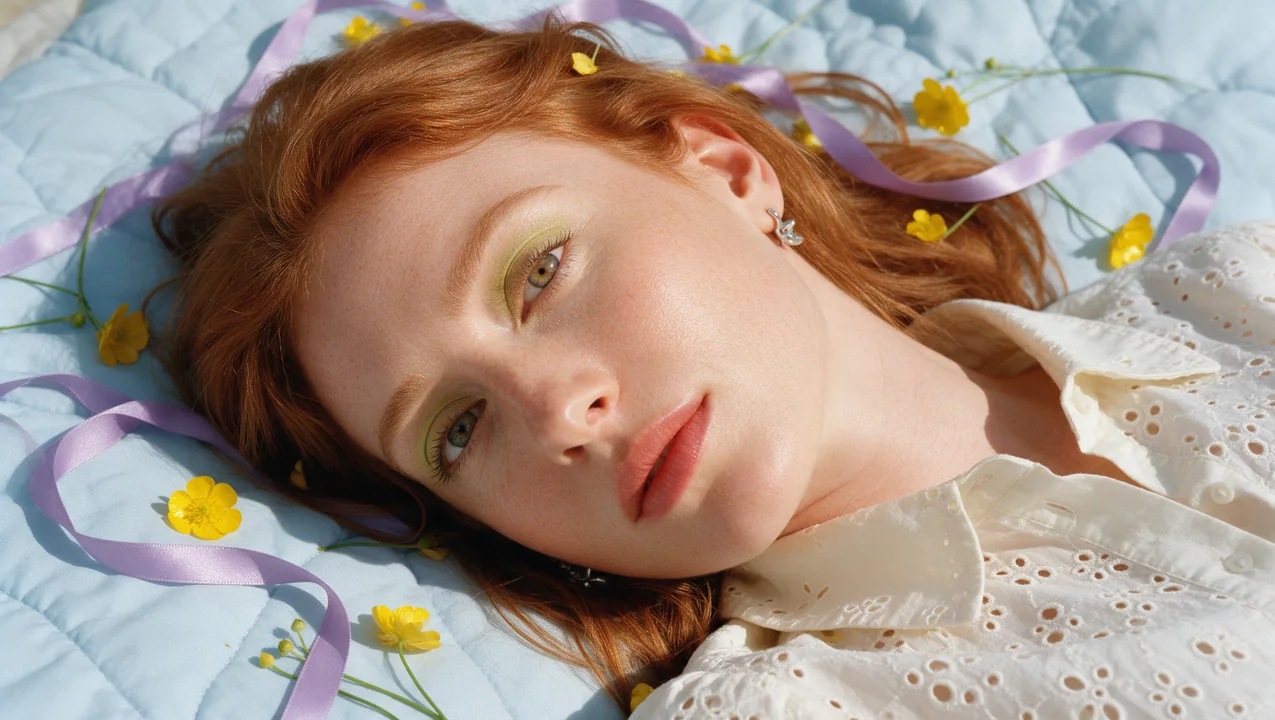
Qwen Image 3
Alibaba
Precise text rendering and detailed images, with reasoning-based quality boost.
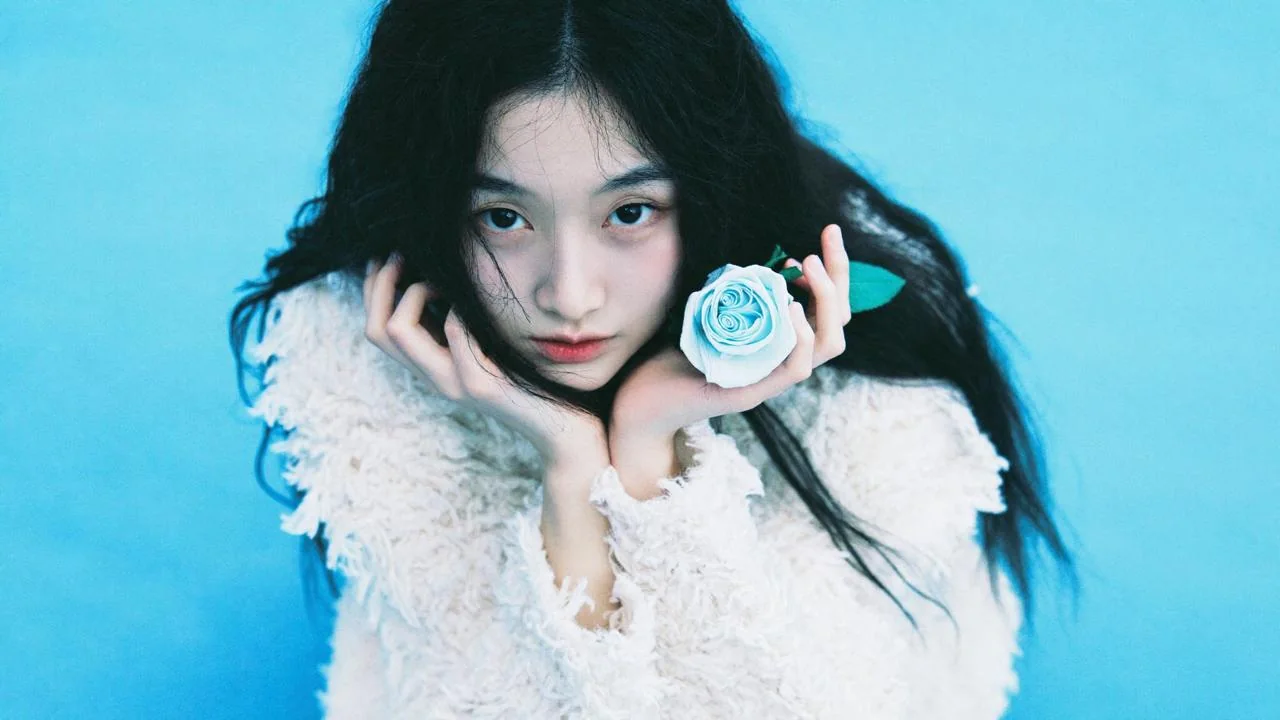
SOUL 2
Higgsfield
Realistic portraits, fashion and editorial images with SOUL styles.
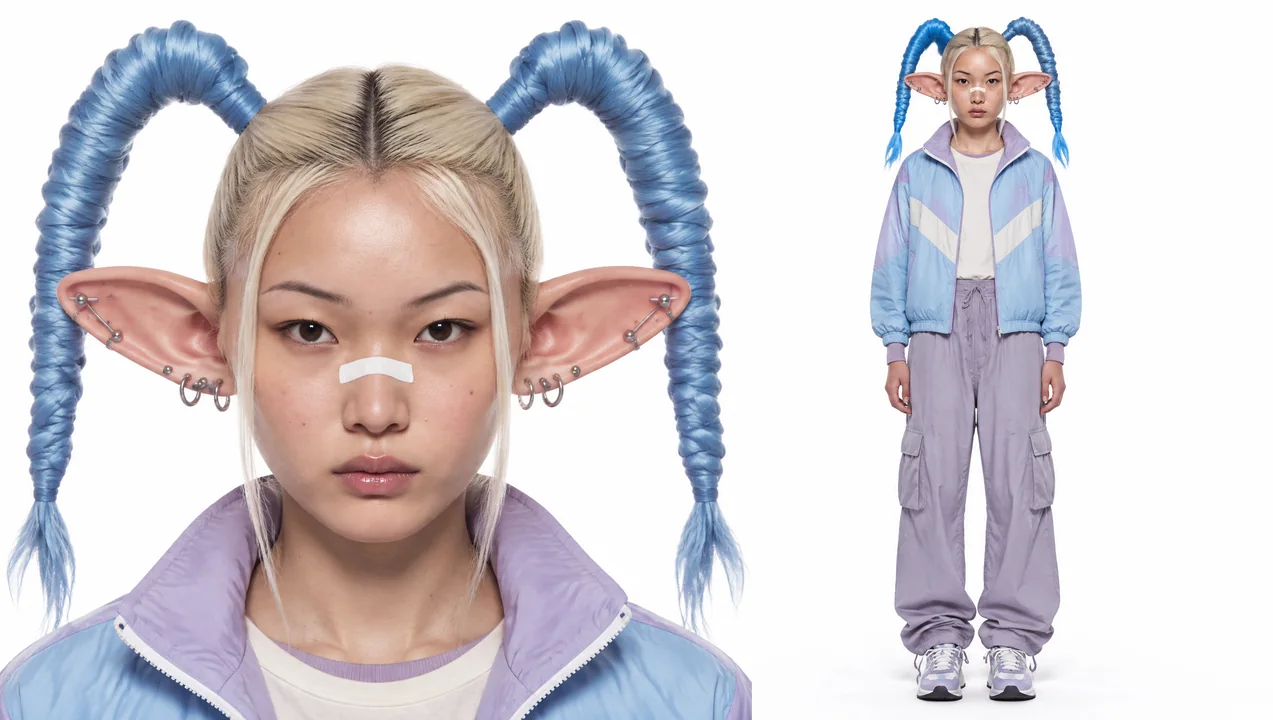
AI Influencer
Higgsfield
Design a consistent character, human or animal, as a reference sheet with a portrait and a full-body view.
Seedance 2.5
ByteDance
Long-form storytelling with first and last frame control and optional audio.
Kling 3.0
Kling
Cinematic video in Standard, Pro or 4K, with native sound.