
MiniMax · Video
Hailuo 2.3
Hailuo 2.3 on Vidaro Studio is the standard Hailuo 2.3 video model from MiniMax. The catalog describes it as affordable, fast video from text or a start frame. Text-to-video uses a prompt. Image-to-video uses one start frame when that is the only slot returned. Vidaro does not offer a separate Hailuo 2.3 Pro model, and this page does not claim Pro support.
Examples
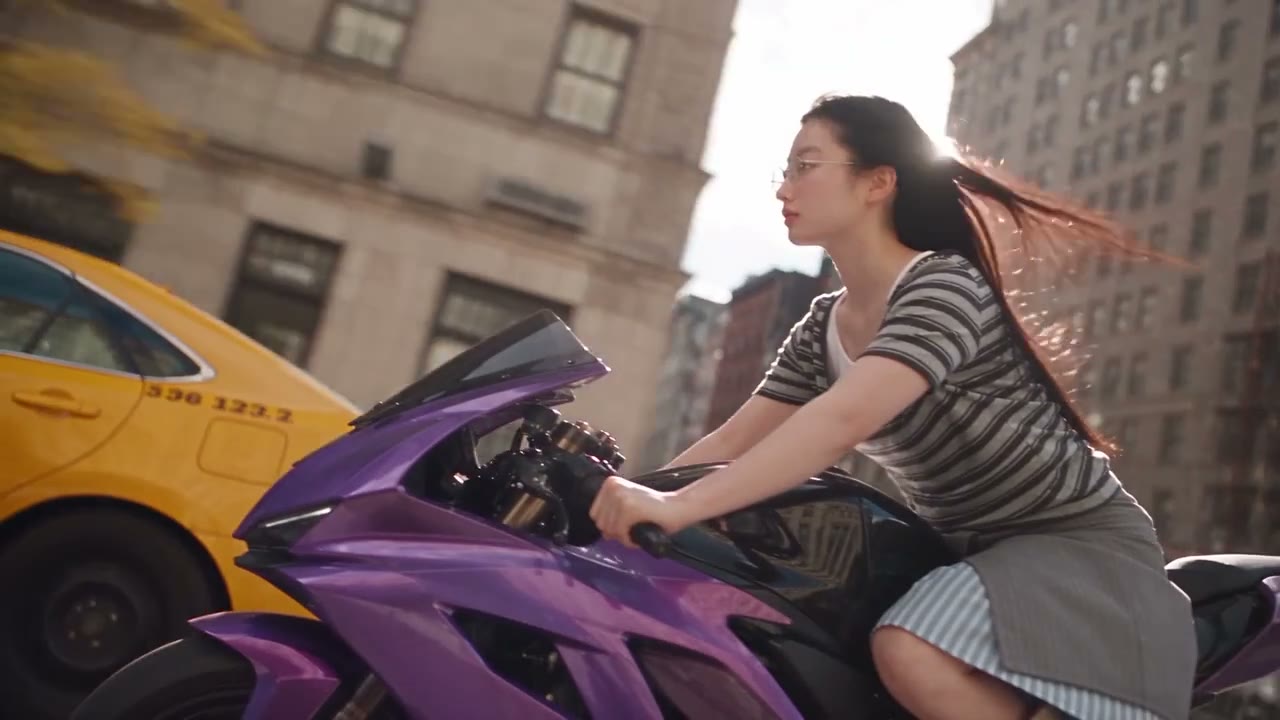
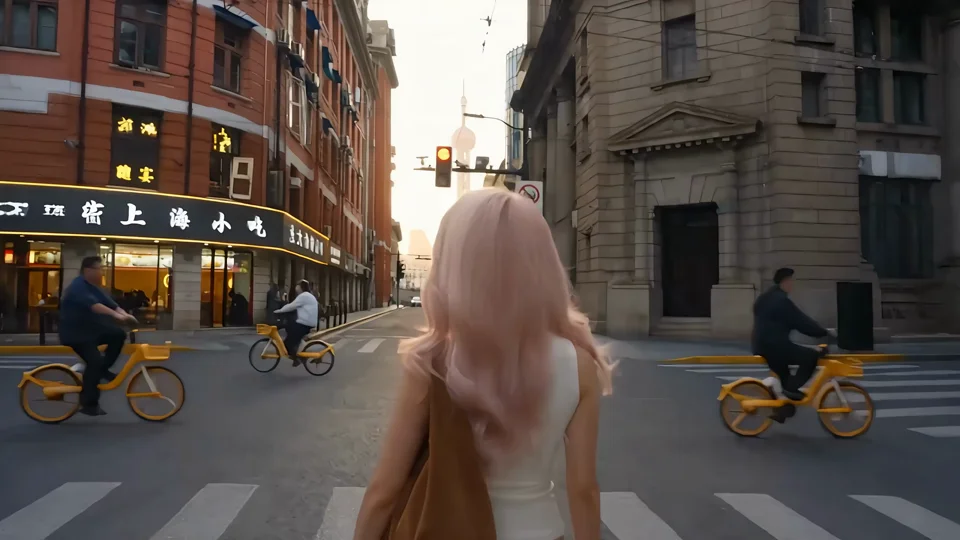
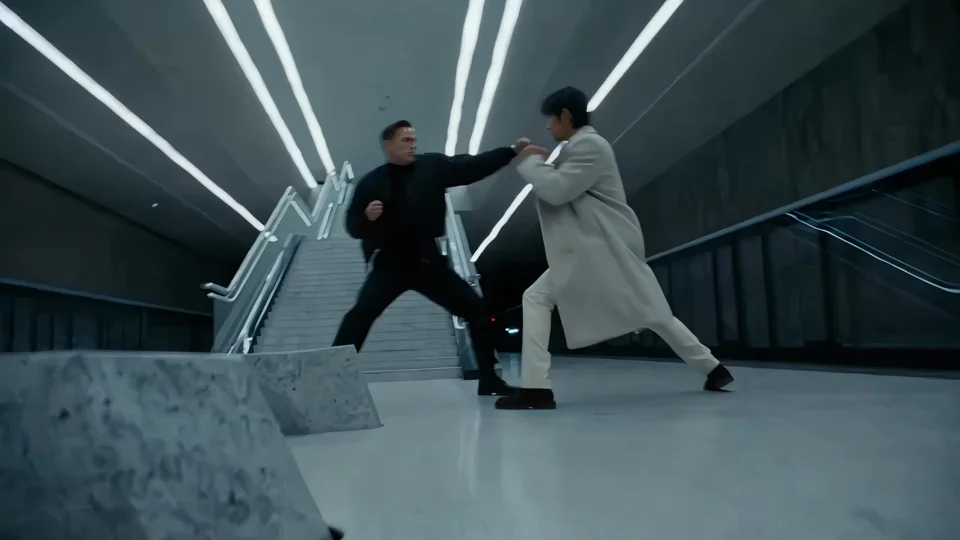
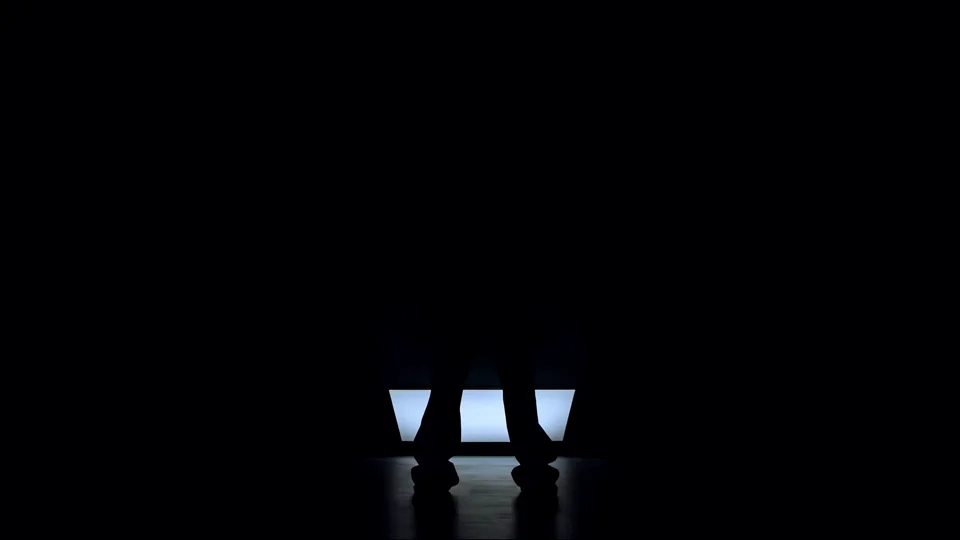
What it is
Use the settings section for the real quality name, the durations, and the credits per second. If the quality list is a single tier such as the one the API returns, that is the only tier. Audio is mentioned here only because the catalog includes an audio flag. When that flag says audio is not offered, do not plan on a soundtrack from this model. A prompt optimizer control is listed when the API includes it, including whether it starts on.
Treat Hailuo 2.3 as the short, standard MiniMax option. Write one clear action, or bring one start frame and describe how it should move. Do not storyboard an ending frame, a reference clip, or a Pro export. Those controls are not what this model page offers. If you need a start and end frame, reference images, or the larger MiniMax setup, open MiniMax H3 and read its own settings. If you only need a fast draft at the durations Hailuo lists, stay here. The credit rate is the per-second rate next to the listed quality. A longer duration from that short list costs more seconds. It does not unlock a second quality tier.
Best uses
Hailuo 2.3 is the practical choice for a short clip from a sentence or from one picture, when you do not need end-frame control, reference videos, or a Pro quality tier. It suits simple actions, product motion from a single still, and quick drafts before you move a shot to a model with more durations. It is the wrong model for a 30 second story, a start-and-end-frame match cut, or a motion-control performance.
Settings and credit cost
Catalog starting price: from 12 credits / s.
Affordable, fast video from text or a start frame.
Text to video: durations 6, 10 seconds; qualities 768p; default quality 768p; default duration 6 seconds.
Text to video credit cost: 12 credits per second at 768p.
Text to video does not offer audio.
Text to video does not require a prompt.
Text to video controls: Prompt optimizer.
Image to video: durations 6, 10 seconds; qualities 768p; default quality 768p; default duration 6 seconds.
Image to video credit cost: 12 credits per second at 768p.
Image to video does not offer audio.
Image to video does not require a prompt.
Image to video image slots: Start frame (required).
Image to video controls: Prompt optimizer.
Prompt tips
Say who is in the frame, the action, and one camera note. Hailuo does not give you a style list, so the prompt carries the look. For image-to-video, upload the start frame and describe the motion, not a second ending image. If the prompt optimizer starts on, leave it on when you want the catalog default, and turn it off when you want your wording left alone. Do not write instructions for audio if the settings say audio is not offered.
Limits
Vidaro Studio offers standard Hailuo 2.3. Hailuo 2.3 Pro is not available on Vidaro. There is no end-frame slot unless the catalog adds one. There is no reference-to-video mode on this model. Durations are only the values in Settings and credit cost, and the credit rate is the per-second rate for the listed quality. Durations, qualities, frame slots, and credit rates on this page are read from the current Vidaro Studio catalog. If a control is not listed in Settings and credit cost, it is not offered for this model.
FAQ
What is Hailuo 2.3 on Vidaro Studio?
It is MiniMax's standard Hailuo 2.3 model for text-to-video and image-to-video from a start frame.
Is Hailuo 2.3 Pro available?
No. Vidaro Studio offers standard Hailuo 2.3. Hailuo 2.3 Pro is not available on Vidaro.
Can I add an end frame?
Only if image-to-video lists an end-frame slot. The current catalog shape is shown in Settings and credit cost.
Does Hailuo 2.3 generate audio?
Only when the catalog marks audio as supported. If the settings line says audio is not offered, the clip has no generated soundtrack from this model.
How do I try Hailuo 2.3?
Use Try Hailuo 2.3 free. It opens Create with Hailuo 2.3 selected.