
ByteDance · Video
Seedance 2.5
Seedance 2.5 is the ByteDance video model on Vidaro Studio described for longer clips, with first and last frame control and optional audio. The catalog can include text-to-video, image-to-video, video edit, and video extend. Text-to-video starts from a prompt. Image-to-video starts from a frame and may offer an end frame when that slot is in the payload. Video edit and video extend start from a source video you upload. This page only describes a mode if Settings and credit cost lists it.
Examples

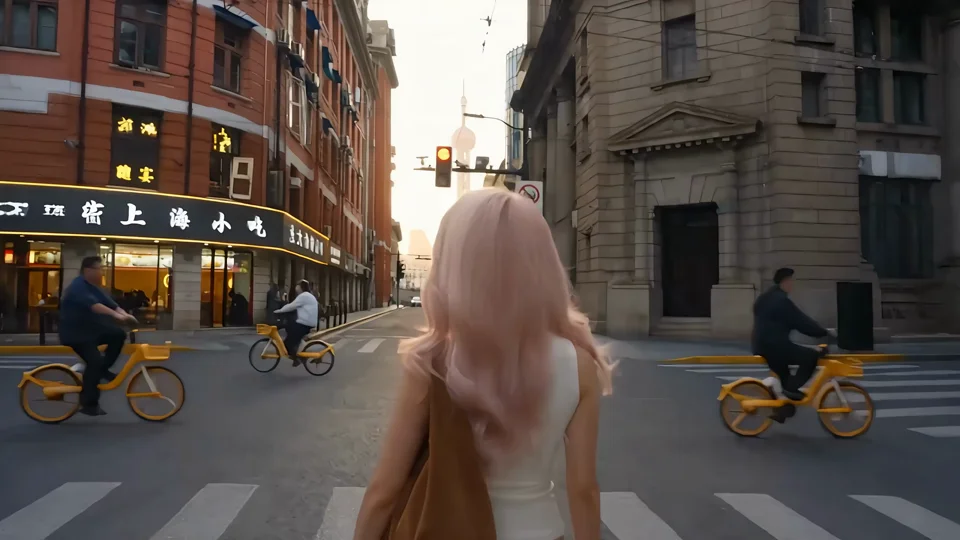
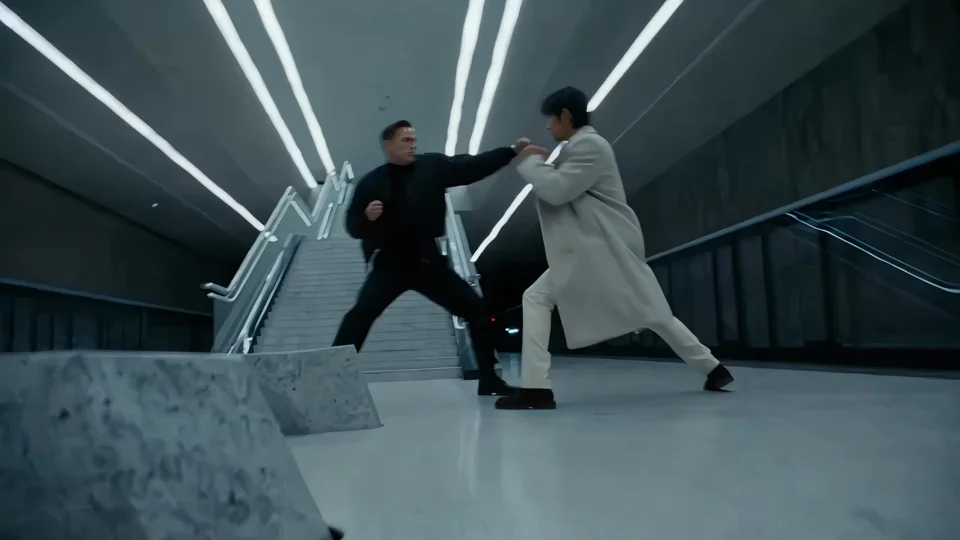
What it is
Seedance is the model to open when the shot needs more than a few seconds or when you already know the first and last picture. Aspect ratios apply where the catalog sends them. Image-to-video may omit aspect ratio because the frame decides the shape. Audio is available only when the mode marks audio as supported, and the settings line says whether it starts on or off.
Pick the mode before you write. A text-to-video prompt has to carry the whole scene. An image-to-video prompt should mostly describe motion, because the start frame already shows the place and the subject. Add the end frame only when you have a picture of the closing moment and the slot is listed. Video edit is for a change to footage you upload. Video extend is for a continuation, and the continuation can only be one of the durations printed for that mode. The credit unit is not the same for every mode: new clips are priced per second of output, while edit and extend follow the input-plus-output unit when the catalog says so. Read that line instead of assuming one Seedance price.
Best uses
Use text-to-video for a scene you can describe, including camera and mood. Use image-to-video when a still should move and, if the end-frame slot exists, when you know the closing picture. Use video edit to change a clip you have. Use video extend to continue that clip by one of the durations the catalog lists. It is more model than you need for a one-image motion transfer. Kling 3.0 Motion Control is the tool for that job.
Settings and credit cost
Catalog starting price: from 43 credits / s.
Long-form storytelling with first and last frame control and optional audio.
Text to video: durations 4, 5, 6, 7, 8, 9, 10, 11, 12, 13, 14, 15, 16, 17, 18, 19, 20, 21, 22, 23, 24, 25, 26, 27, 28, 29, 30 seconds; aspect ratios 16:9, 4:3, 1:1, 3:4, 9:16, 21:9; qualities 480p, 720p, 1080p; default quality 720p; default duration 5 seconds.
Text to video credit cost: 43 credits per second at 480p; 93 credits per second at 720p; 234 credits per second at 1080p.
Text to video offers audio, and it starts on.
Text to video does not require a prompt.
Text to video controls: Format, Bitrate.
Image to video: durations 4, 5, 6, 7, 8, 9, 10, 11, 12, 13, 14, 15, 16, 17, 18, 19, 20, 21, 22, 23, 24, 25, 26, 27, 28, 29, 30 seconds; qualities 480p, 720p, 1080p; default quality 720p; default duration 5 seconds.
Image to video credit cost: 43 credits per second at 480p; 93 credits per second at 720p; 234 credits per second at 1080p.
Image to video offers audio, and it starts on.
Image to video does not require a prompt.
Image to video image slots: Start frame (required), End frame (optional).
Image to video controls: Bitrate.
Video edit: qualities 480p, 720p, 1080p; default quality 720p.
Video edit credit cost: 26 credits per second of input plus output at 480p; 58 credits per second of input plus output at 720p; 142 credits per second of input plus output at 1080p.
Video edit offers audio, and it starts on.
Video edit inputs: Source video, 1 to 30 seconds.
Video edit controls: Bitrate.
Video extend: durations 4, 5, 6, 7, 8, 9, 10, 11, 12, 13, 14, 15, 16, 17, 18, 19, 20, 21, 22, 23, 24, 25, 26, 27, 28, 29, 30 seconds; qualities 480p, 720p, 1080p; default quality 720p; default duration 5 seconds.
Video extend credit cost: 26 credits per second of input plus output at 480p; 58 credits per second of input plus output at 720p; 142 credits per second of input plus output at 1080p.
Video extend offers audio, and it starts on.
Video extend inputs: Source video, 1 to 30 seconds.
Video extend controls: Bitrate.
Prompt tips
For text-to-video, say who is in the shot, what they do, and how the camera moves, in that order. For image-to-video, do not redescribe the whole still. Describe the motion that should happen between the start frame and the end frame if you added one. For edit and extend, describe the change or the continuation, and keep the subject continuous with the source. If bitrate or output format appears as a control, leave it on the catalog default unless you have a reason to change it. Turn audio off in the composer when the mode offers it and you want a silent clip.
Limits
Seedance will not extend a video by an arbitrary length. Extend durations are the list in the catalog, and edit or extend source videos have their own minimum and maximum when the API sends them. Credit cost for new clips is per second of output. Edit and extend use a different unit when the catalog says input plus output. Do not copy Kling or Hailuo prices onto Seedance. Durations, qualities, frame slots, and credit rates on this page are read from the current Vidaro Studio catalog. If a control is not listed in Settings and credit cost, it is not offered for this model.
FAQ
What is Seedance 2.5?
Seedance 2.5 is a ByteDance video model on Vidaro Studio for text-to-video, image-to-video, video edit, and video extend when those modes are in the catalog.
Can I set the first and last frame?
Image-to-video includes the frame slots the catalog lists. A required start frame and an optional end frame appear in Settings and credit cost when the API sends them.
Does Seedance 2.5 have audio?
Audio is available on a mode only when that mode's catalog entry says audio is supported.
How long can a Seedance clip be?
Only as long as the durations listed for the mode you pick. Those seconds are printed in Settings and credit cost.
How do I try Seedance 2.5?
Use Try Seedance 2.5 free. It opens Create with Seedance 2.5 selected.