
Lightricks · Video
LTX-2.5 Fast AI Video Generator
LTX-2.5 Fast is a Lightricks video model for fast, affordable video up to 4K with camera moves and audio. On Vidaro Studio you can use text-to-video and image-to-video, with clips of 6 or 8 or 10 seconds at quality 720p, 1080p, 2k, and 4k.
Key features
- Provider: Lightricks
- Generation modes: Text to video, Image to video
- Clip durations (seconds): 6, 8, 10
- Aspect ratios: 16:9, 9:16
- Quality options: 720p, 1080p, 2k, 4k
- Optional generated audio
How to use LTX-2.5 Fast
- Log in to Vidaro Studio and choose LTX-2.5 Fast in the video section of Create.
- Pick text-to-video for a prompt-only idea, or image-to-video if you have a hero frame to animate.
- Describe camera movement in your prompt when you want motion; upload a start image for image-to-video.
- Select quality, duration, and audio options from the catalog, then run generation.
Ideas to try
- “Friends toast at an outdoor table as the camera pans left across laughing faces.”
- “A still of a bicycle by a lake, with gentle ripples and the wheel slowly spinning.”
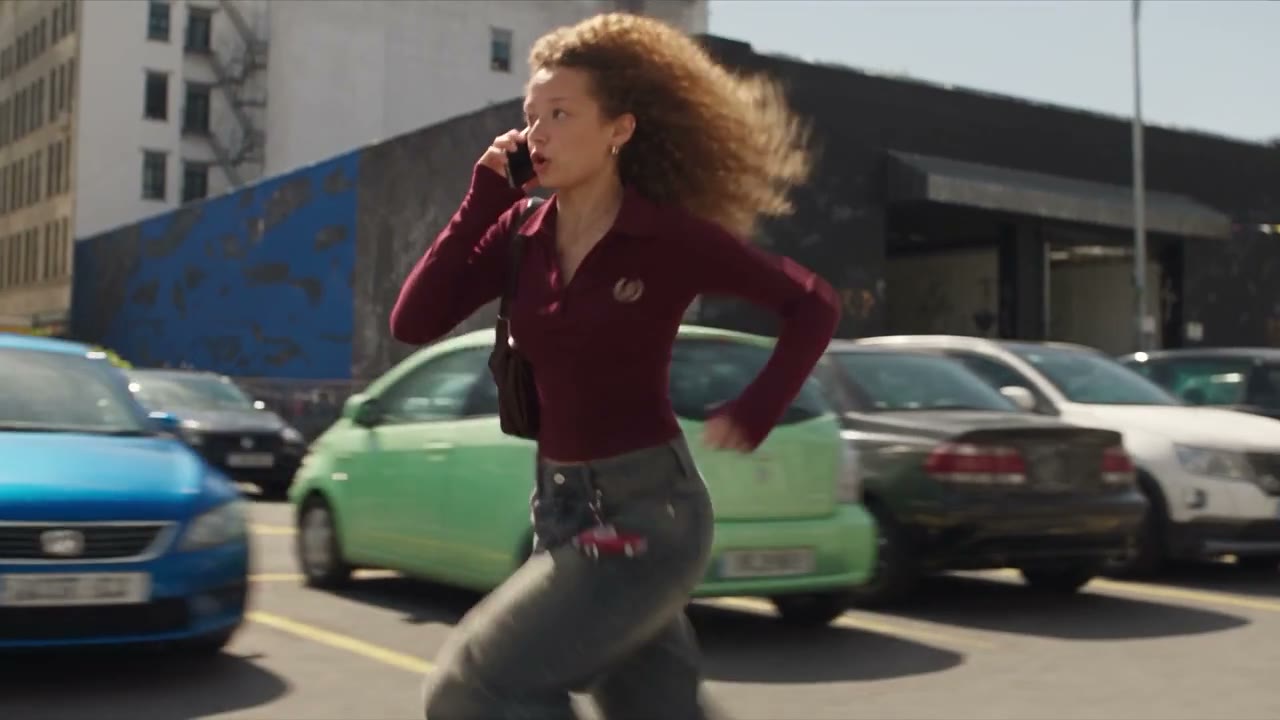
- “A courier jogs up apartment steps, camera tracking from behind.”
What you can create
- LTX-2.5 Fast text-to-video starts from a written prompt and can run for 6 or 8 or 10 seconds at 720p, 1080p, 2k, and 4k. Optional audio is available.
- Image-to-video uses a required start frame and an optional end frame, for 6 or 8 or 10 seconds.
FAQ
What is LTX-2.5 Fast?
LTX-2.5 Fast is a Lightricks video model on Vidaro Studio for text-to-video and image-to-video with camera moves and audio in the catalog.
Who makes LTX-2.5 Fast?
It is provided by Lightricks and available in Vidaro Studio.
What can I create here?
Short clips from text or a start frame using the durations, aspect ratios, and quality tiers listed for this model.
Does it support audio?
The catalog includes audio support for this model; toggle or set it in Create when the control is available.
How do I begin?
Open Create, select LTX-2.5 Fast, choose a mode, add your prompt or frame, and generate.
Related

Grok Image 2
xAI
Expressive image generation and editing with up to 10 references.
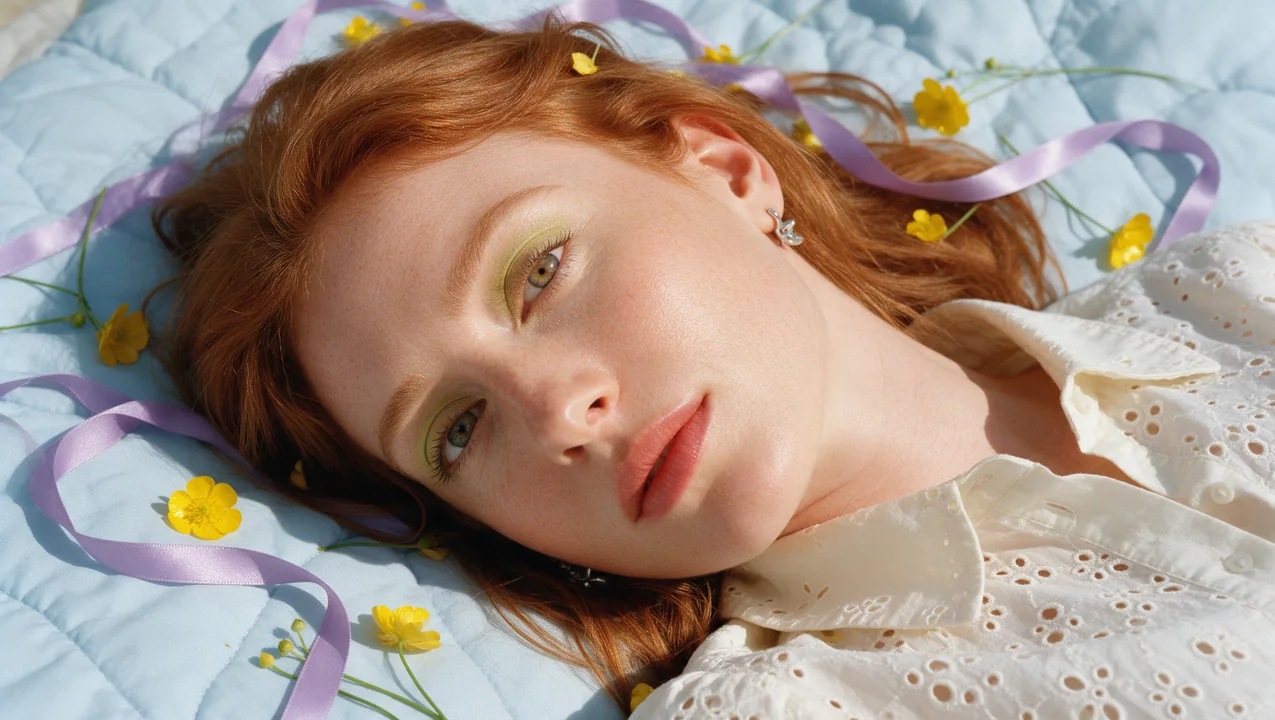
Qwen Image 3
Alibaba
Precise text rendering and detailed images, with reasoning-based quality boost.
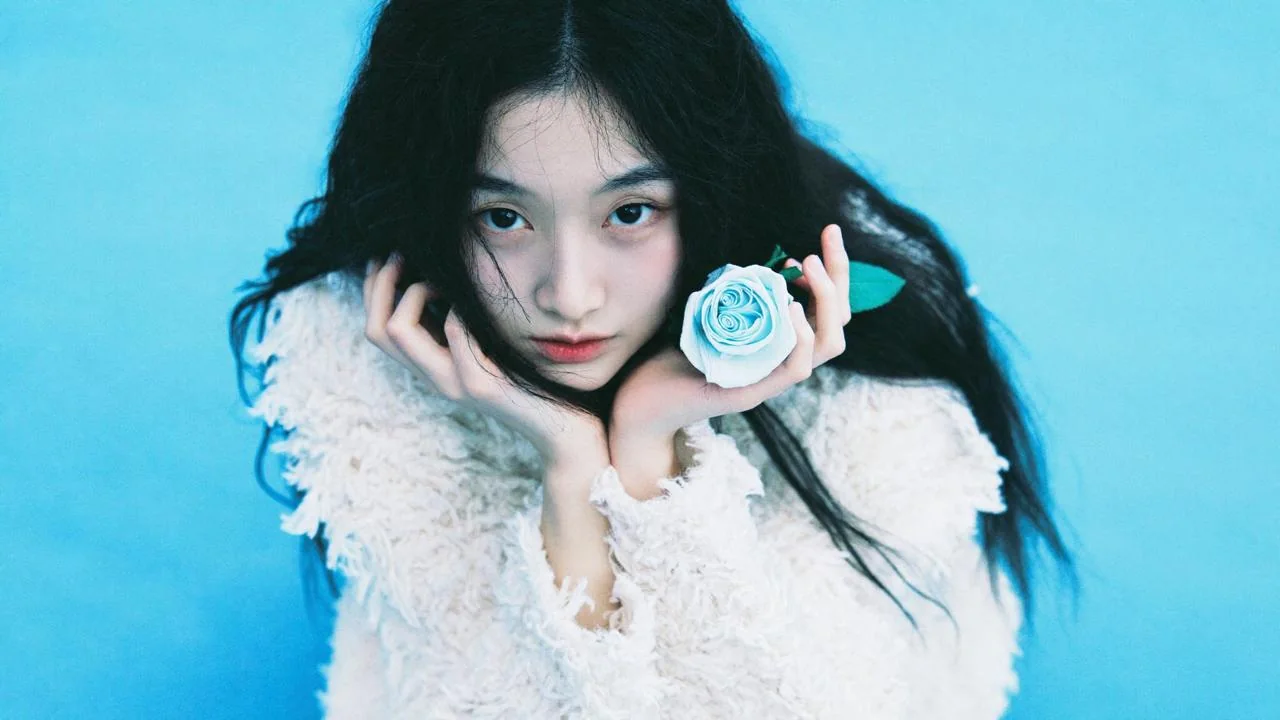
SOUL 2
Higgsfield
Realistic portraits, fashion and editorial images with SOUL styles.
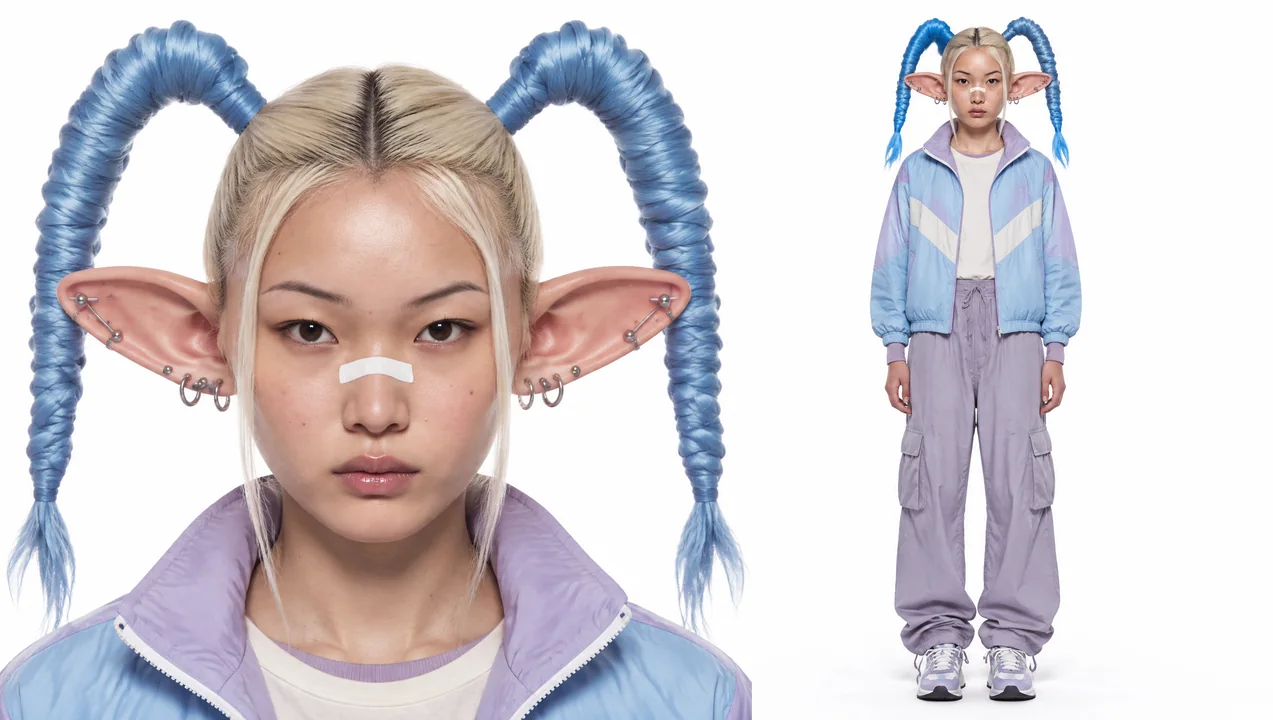
AI Influencer
Higgsfield
Design a consistent character, human or animal, as a reference sheet with a portrait and a full-body view.
Seedance 2.5
ByteDance
Long-form storytelling with first and last frame control and optional audio.
Kling 3.0
Kling
Cinematic video in Standard, Pro or 4K, with native sound.