
Lightricks · Video
LTX-2.5 Pro
LTX-2.5 Pro is the higher-quality LTX video model from Lightricks on Vidaro Studio. The catalog describes camera moves and audio. Text-to-video and image-to-video are listed when they are in the payload. Image-to-video can include a start frame and an optional end frame. Camera movement and frames per second appear as controls when the API sends those option labels and choices. This page does not invent extra camera moves beyond that list.
Examples
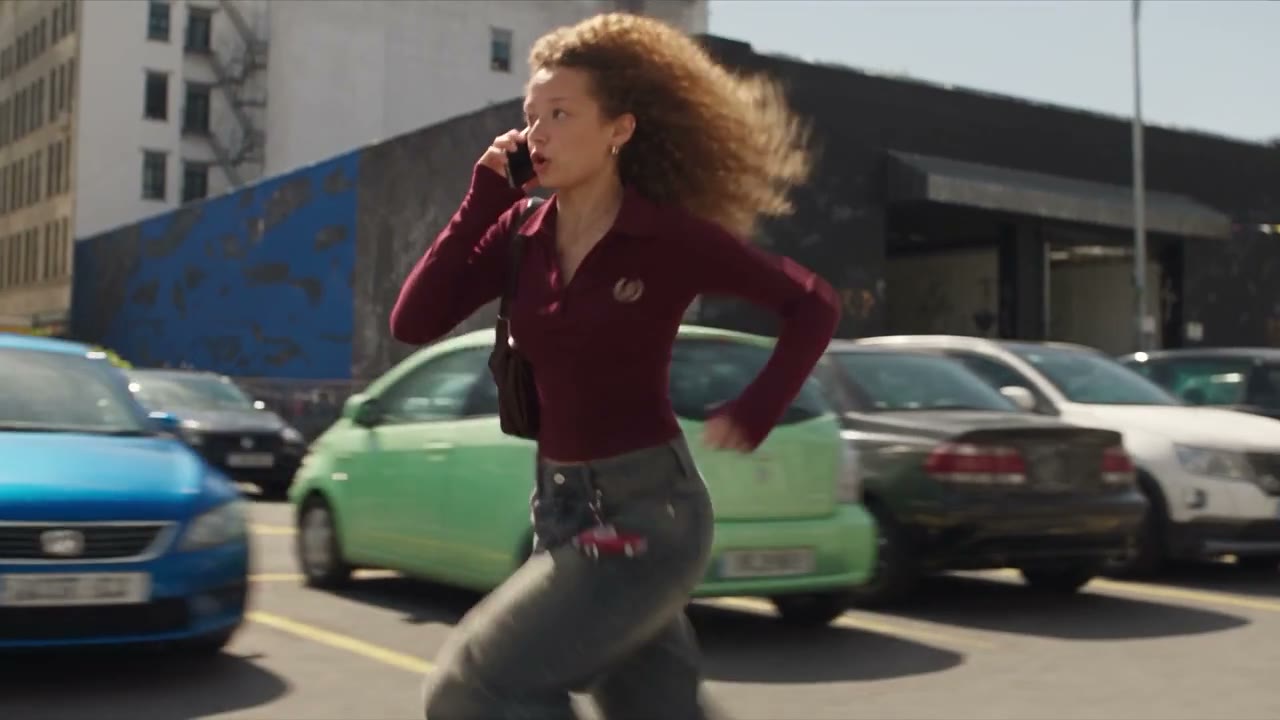
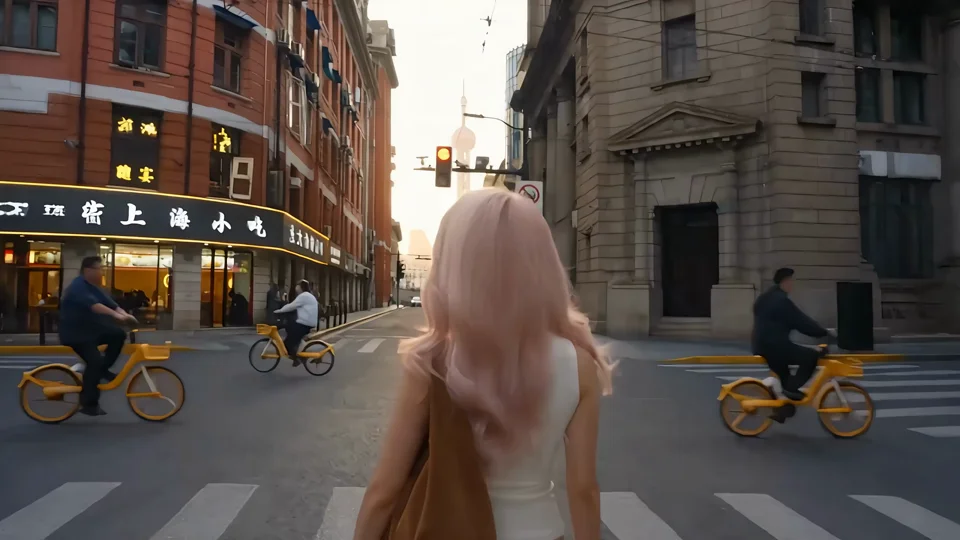
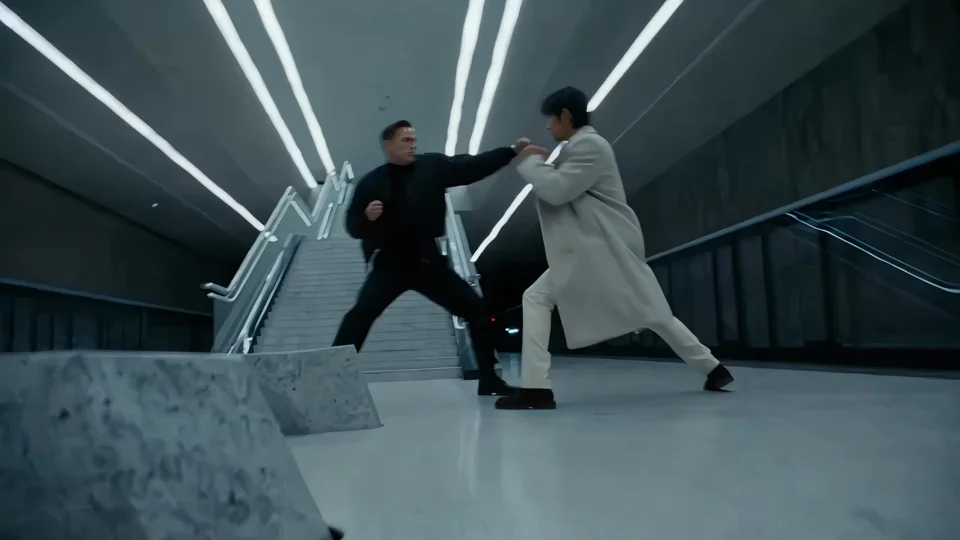
What it is
LTX-2.5 Fast is a different model. Pro is the one this page describes, and the Try button selects Pro inside the LTX family so Fast is not opened by accident. Durations, aspect ratios, qualities, and credits per second are the Pro numbers from the catalog. Audio follows the supported flag and its default.
Use the camera control as the source of the move. The prompt should say who is in the shot and what they do. The camera choice should be one of the names the catalog lists, not a paraphrase you hope will match. If image-to-video shows an end frame, add it when the closing picture matters and leave it empty when it does not. Frame rate and audio are the defaults in the settings until you change them. Duration is one of the few lengths Pro lists, and the credit cost is that many seconds at the quality you select. Fast is a separate LTX model with its own page and its own rates. Seedance is the model to open if you need extend or a longer duration list than Pro prints.
Best uses
Use LTX-2.5 Pro when you want an LTX clip and you care about the quality tiers and camera controls this model lists. Text-to-video is enough when the scene is a sentence. Image-to-video is better when a still, or a still plus an end frame, should anchor the shot. Pick Fast instead when you want the other LTX model. Pick Seedance or Kling when you need modes Pro does not list, such as video extend or motion control.
Settings and credit cost
Catalog starting price: from 24 credits / s.
Higher quality LTX video with camera moves and audio.
Text to video: durations 6, 8, 10 seconds; aspect ratios 16:9, 9:16; qualities 720p, 1080p; default quality 720p; default duration 6 seconds.
Text to video credit cost: 24 credits per second at 720p; 34 credits per second at 1080p.
Text to video offers audio, and it starts on.
Text to video requires a prompt.
Text to video controls: Camera movement, FPS.
Image to video: durations 6, 8, 10 seconds; aspect ratios 16:9, 9:16; qualities 720p, 1080p; default quality 720p; default duration 6 seconds.
Image to video credit cost: 24 credits per second at 720p; 34 credits per second at 1080p.
Image to video offers audio, and it starts on.
Image to video requires a prompt.
Image to video image slots: Start frame (required), End frame (optional).
Image to video controls: Camera movement, FPS.
Prompt tips
Say the subject and the action, then pick a camera movement from the control instead of hoping a synonym in the prompt maps to a move the model does not list. If the choices include dolly, jib, static, or focus shift, use those names as the control, not as a guess. For image-to-video, describe the motion between frames. Frame rate is the catalog choice, including the default the settings mention. Leave audio on when the default is on and you want sound, or turn it off in Create when the control exists.
Limits
Pro does not add durations outside its list, and it does not offer aspect ratios that are missing from the payload. Camera movement is limited to the choice list. There is no motion-control reference video and no video-extend mode unless the catalog adds one. Credit cost is the Pro per-second rate at the quality you select. Fast has its own rates on its own page. Durations, qualities, frame slots, and credit rates on this page are read from the current Vidaro Studio catalog. If a control is not listed in Settings and credit cost, it is not offered for this model.
FAQ
What is LTX-2.5 Pro?
LTX-2.5 Pro is Lightricks' higher-quality LTX video model on Vidaro Studio, with text-to-video, image-to-video, and the camera and audio controls in the catalog.
How is Pro different from LTX-2.5 Fast?
They are separate models. This page is Pro. Fast has its own Create version and its own catalog rates.
Which camera moves can I pick?
Only the camera movement choices returned for this model. They are named in Settings and credit cost when the API sends them.
Does LTX-2.5 Pro include audio?
When the mode marks audio as supported. The settings line says whether it starts on or off.
How do I try LTX-2.5 Pro?
Use Try LTX-2.5 Pro free. It opens the LTX Create page with Pro selected.