
Kling · Video
Kling 3.0
Kling 3.0 is Kling's cinematic video model on Vidaro Studio. The catalog describes cinematic video with native sound and names the quality tiers it actually sells, which the settings section repeats from the API. Text-to-video starts from a prompt and can include aspect ratio. Image-to-video starts from a frame and can include an optional end frame when that slot is present. This is not Kling 3.0 Turbo and not Kling 3.0 Motion Control. Turbo is a faster variant with its own resolutions. Motion Control follows a reference video.
Examples

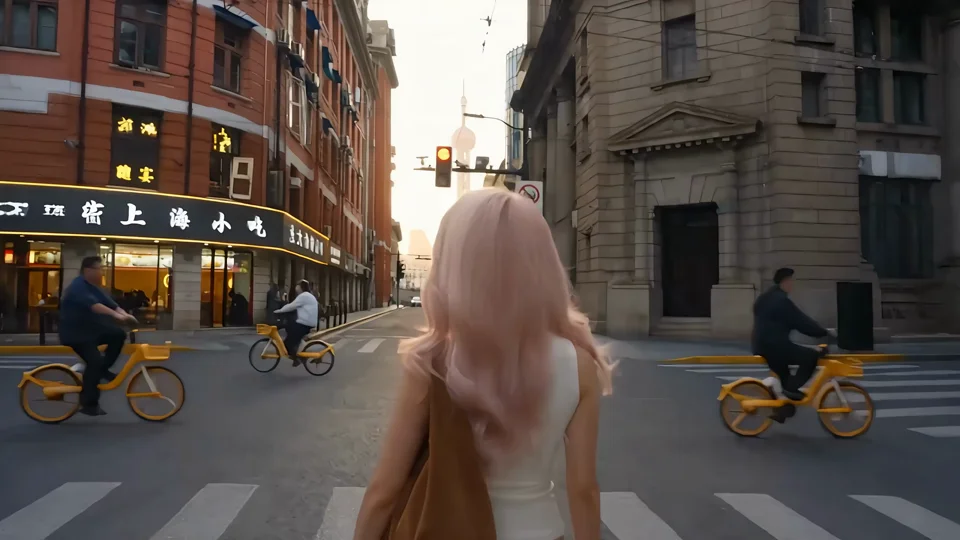
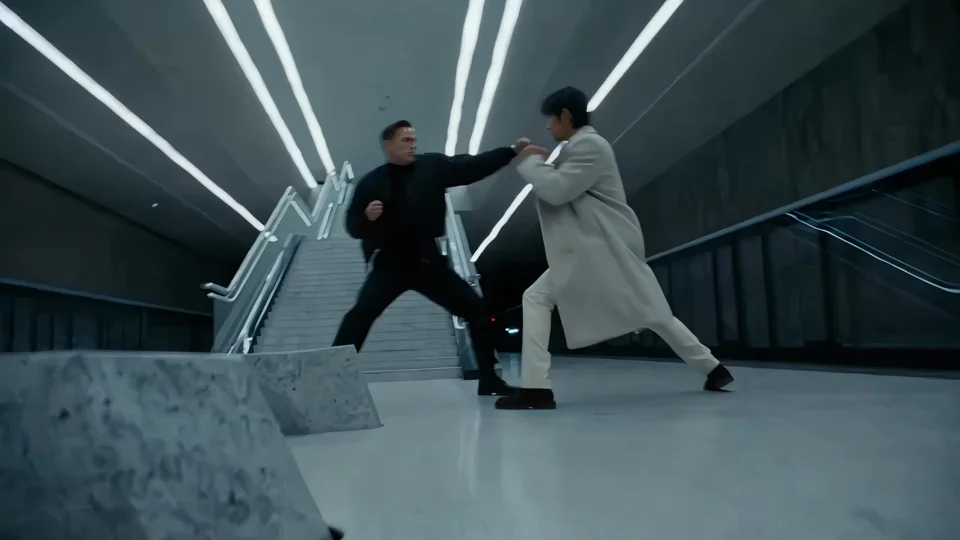
What it is
Audio is part of the pitch only when the mode says audio is supported. The settings line also says whether audio starts on. Prompt required is stated only when the payload includes that boolean. Credit cost is credits per second and changes with quality.
Kling 3.0 is the cinematic member of the Kling family on Vidaro, so use it when the quality names on this page are the ones you want. Write a subject, an action, and a camera note. If image-to-video offers an end frame, add one only when you have that picture. If the prompt flag says a prompt is required, do not try to run an empty box. Sound follows the audio flag, not a hope that every Kling model includes it. Turbo is the faster sibling with its own resolutions and rates. Motion Control is the sibling that needs a reference performance. The Try link on this page selects Kling 3.0, not those other versions. Credits follow the quality you leave selected, per second of the duration you pick from the list.
Best uses
Use Kling 3.0 when you want a prompted cinematic clip or a still that should move toward an optional last frame, and you want the quality tiers this model lists rather than the separate Turbo model. It suits dialogue-free scenes, camera moves, and shots where sound is useful if the catalog enables it. Choose Motion Control instead when the performance already exists in another video. Choose Turbo when you want the faster Kling path and the resolutions listed on the Turbo page.
Settings and credit cost
Catalog starting price: from 25 credits / s.
Cinematic video in Standard, Pro or 4K, with native sound.
Text to video: durations 3, 4, 5, 6, 7, 8, 9, 10, 11, 12, 13, 14, 15 seconds; aspect ratios 16:9, 9:16, 1:1; qualities Standard, Pro, 4K; default quality Pro; default duration 5 seconds.
Text to video credit cost: 25 credits per second at Standard; 34 credits per second at Pro; 84 credits per second at 4K.
Text to video offers audio, and it starts on.
Text to video requires a prompt.
Text to video controls: Prompt strength.
Image to video: durations 3, 4, 5, 6, 7, 8, 9, 10, 11, 12, 13, 14, 15 seconds; qualities Standard, Pro, 4K; default quality Pro; default duration 5 seconds.
Image to video credit cost: 25 credits per second at Standard; 34 credits per second at Pro; 84 credits per second at 4K.
Image to video offers audio, and it starts on.
Image to video requires a prompt.
Image to video image slots: Start frame (required), End frame (optional).
Image to video controls: Prompt strength.
Prompt tips
Write the subject, the action, and the camera in one short paragraph. If a prompt is required, the empty box will not run. For image-to-video, let the start frame carry the look and use the prompt for motion. Add an end frame only when you have a real closing image and the slot is optional in the settings. If a guidance or cfg control is listed, the settings section names it. Leave the default unless you know why you are changing it. Keep audio on when you want the catalog default and the mode supports it.
Limits
Kling 3.0 will not copy a dance from a reference video. That is Motion Control. It will not offer Turbo's quality names unless they are in this model's list. Durations stop at the longest second in the catalog list. 4K or Pro exists only if that quality string is returned. There is no claim here of a longer runtime than the list. Durations, qualities, frame slots, and credit rates on this page are read from the current Vidaro Studio catalog. If a control is not listed in Settings and credit cost, it is not offered for this model.
FAQ
What is Kling 3.0?
Kling 3.0 is a Kling video model on Vidaro Studio for text-to-video and image-to-video, with the qualities and audio flags in the catalog.
How is Kling 3.0 different from Turbo?
Turbo is a separate model with its own resolutions and rates. Kling 3.0 uses the qualities listed on this page.
Can I set the last frame?
Image-to-video includes an end frame when the catalog marks that slot. Check Settings and credit cost for the current slots.
Does Kling 3.0 have sound?
Yes when the mode says audio is supported. The settings line also says whether it starts on.
How do I try Kling 3.0?
Use Try Kling 3.0 free. It opens the Kling Create page with Kling 3.0 selected.