
MiniMax · Video
MiniMax H3
MiniMax H3 is a MiniMax video model on Vidaro Studio. The catalog description calls it native 2K video from text or a start and end frame. The modes to trust are the ones in Settings and credit cost: text-to-video, image-to-video, and reference-to-video when each object is present. Image-to-video can include a required start frame and an optional end frame. Reference-to-video accepts a range of images and videos when those limits are in the payload.
Examples
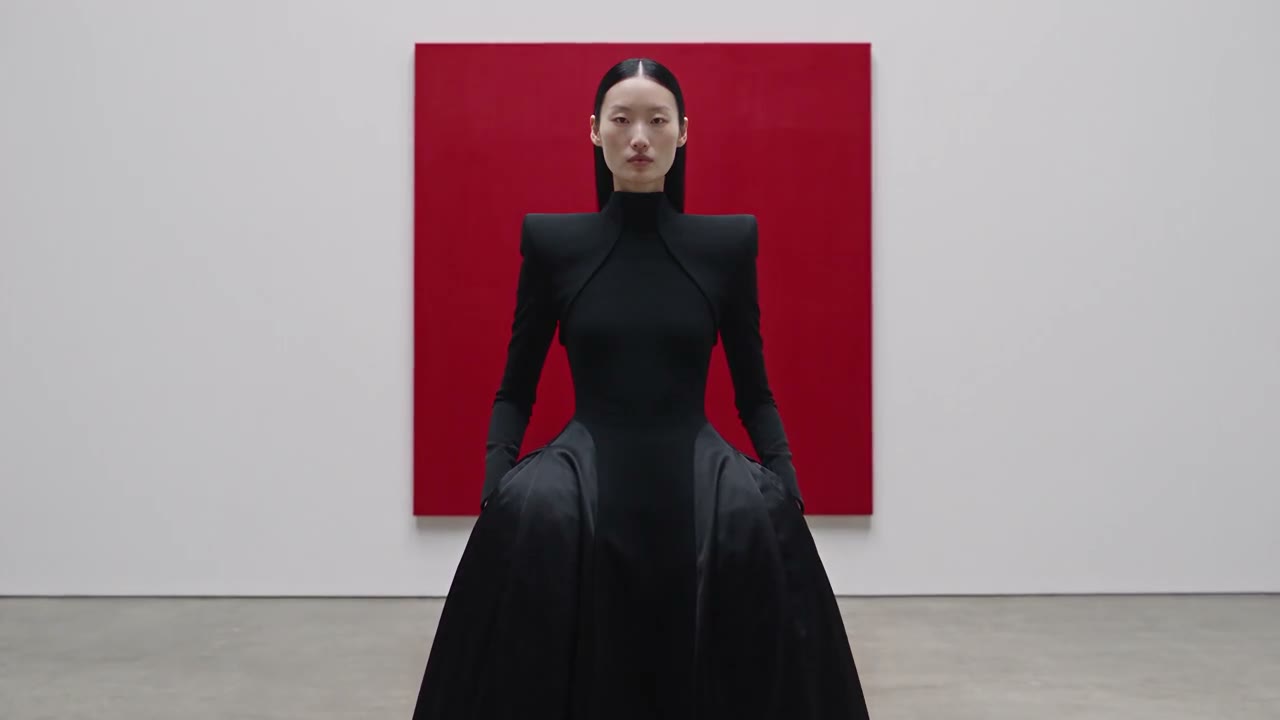
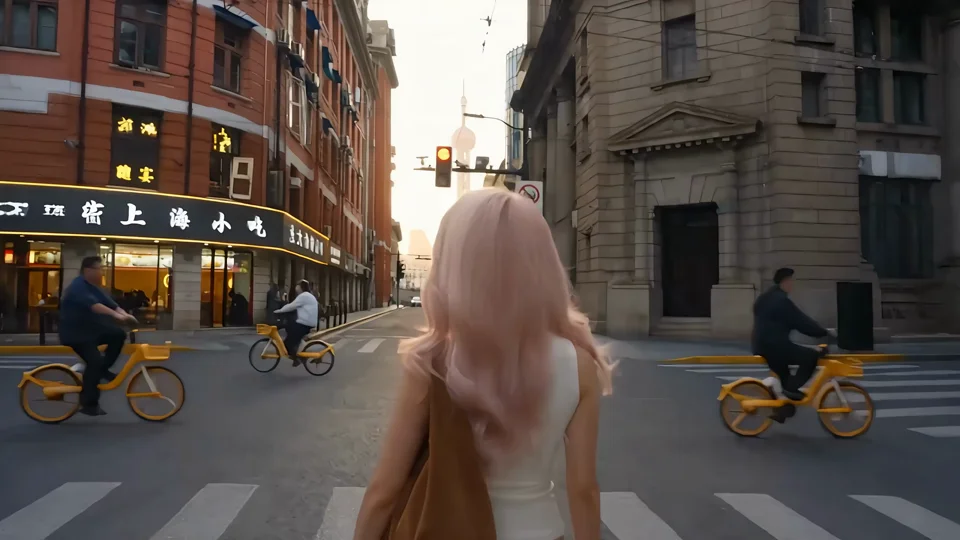
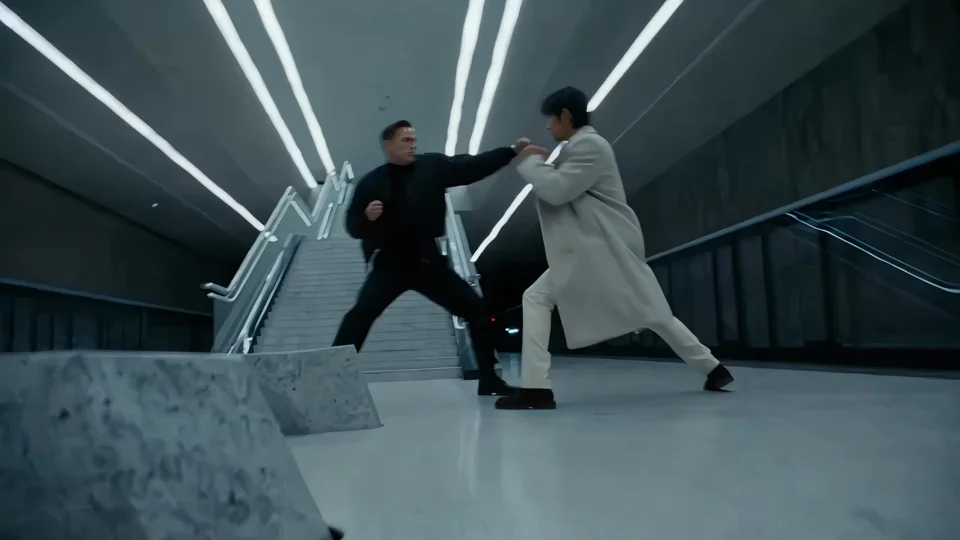
What it is
The description mentions built-in sound. The mode objects also carry an audio flag. If that flag says audio is not offered, this page does not tell you to expect a soundtrack from the toggle. Credit cost is per second at the quality the catalog names. Extra reference images, when the pricing object includes an included count and an extra-image rate, are billed the way that object says.
Choose the mode from the material you have. A sentence is text-to-video. A picture of the opening, and maybe a picture of the end, is image-to-video. A set of references is reference-to-video, and that mode is the one with image and video counts plus any extra-image credit rate. Do not upload a dance clip and expect H3 to paste it onto a character the way Motion Control does. Do not expect Hailuo's shorter setup either. H3 is the MiniMax model with the frame and reference controls this catalog lists. Duration is a choice from the printed list, and every extra second uses the per-second rate for the listed quality. Read the audio line before you write sound into the prompt.
Best uses
Use text-to-video for a prompted shot at the quality H3 lists. Use image-to-video when you know the opening frame and maybe the closing frame. Use reference-to-video when the subject, wardrobe, or a short reference clip should guide the result and the composer shows those uploads. H3 is a step up in controls from Hailuo 2.3, which is the smaller MiniMax model on Vidaro and does not list reference video. H3 is not a motion-control tool that copies a dance onto a single character image.
Settings and credit cost
Catalog starting price: from 26 credits / s.
Native 2K video with built-in sound, from text or a start and end frame.
Text to video: durations 5, 6, 7, 8, 9, 10, 11, 12, 13, 14, 15 seconds; aspect ratios auto, adaptive, 21:9, 16:9, 4:3, 1:1, 3:4, 9:16; qualities 2K; default quality 2K; default duration 5 seconds.
Text to video credit cost: 26 credits per second at 2K.
Text to video does not offer audio.
Text to video does not require a prompt.
Image to video: durations 5, 6, 7, 8, 9, 10, 11, 12, 13, 14, 15 seconds; aspect ratios auto, adaptive, 21:9, 16:9, 4:3, 1:1, 3:4, 9:16; qualities 2K; default quality 2K; default duration 5 seconds.
Image to video credit cost: 26 credits per second at 2K.
Image to video does not offer audio.
Image to video does not require a prompt.
Image to video image slots: Start frame (required), End frame (optional).
Reference to video: durations 5, 6, 7, 8, 9, 10, 11, 12, 13, 14, 15 seconds; aspect ratios auto, adaptive, 21:9, 16:9, 4:3, 1:1, 3:4, 9:16; qualities 2K; default quality 2K; default duration 5 seconds.
Reference to video credit cost: 26 credits per second at 2K.
Reference to video does not offer audio.
Reference to video references: images 1 to 9, videos 0 to 3. 5 reference images are included, then 16 credits for each extra reference image.
Prompt tips
Describe the action and the camera in plain sentences. If you add an end frame, describe the motion between the two pictures instead of inventing a different ending. For reference-to-video, say how the references should be used, and stay within the image and video counts in the settings. Do not add audio directions when the mode says audio is not offered. Aspect ratios include whatever list the catalog returns, including values such as auto or adaptive if they are actually in that list.
Limits
You cannot pick a duration that is not in the catalog list, and you cannot upload more references than the maximum. The included reference images and the credits for each extra one apply only when those fields exist. Hailuo 2.3 Pro is unrelated. H3 does not become Hailuo Pro. Quality is the tier shown, not a second hidden tier. Durations, qualities, frame slots, and credit rates on this page are read from the current Vidaro Studio catalog. If a control is not listed in Settings and credit cost, it is not offered for this model.
FAQ
What is MiniMax H3?
MiniMax H3 is a MiniMax video model on Vidaro Studio with text-to-video, image-to-video, and reference-to-video when the catalog includes those modes.
Can I use a start and end frame?
Image-to-video shows a start frame and an end frame when the catalog sends those slots. The settings section is the list to follow.
Does MiniMax H3 include sound?
Only if the mode marks audio as supported. If Settings and credit cost says audio is not offered, do not expect a generated soundtrack from that control.
How are reference images billed?
When the catalog includes an allowance and an extra-image rate, those numbers are printed with the reference-to-video settings.
How do I try MiniMax H3?
Use Try MiniMax H3 free. It opens Create with MiniMax H3 selected.