
Kling · Video
Kling 3.0 Turbo
Kling 3.0 Turbo is the fast Kling 3.0 video model on Vidaro Studio. The catalog describes it as fast Kling 3.0 video at the resolutions it lists, which are the quality names in Settings and credit cost. Text-to-video and image-to-video are the modes. Image-to-video asks for a start frame. An end frame is available only if a second slot is in the payload. Turbo does not include Motion Control.
Examples

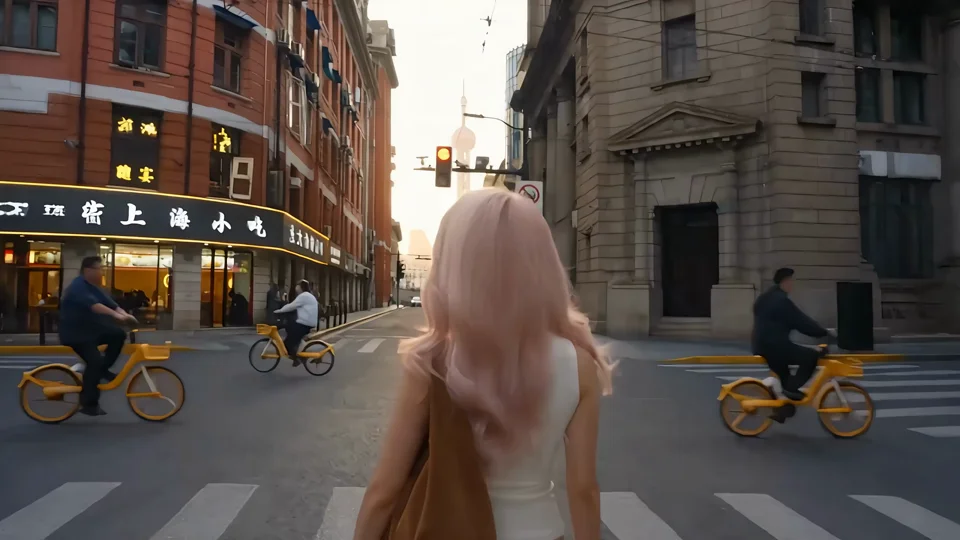
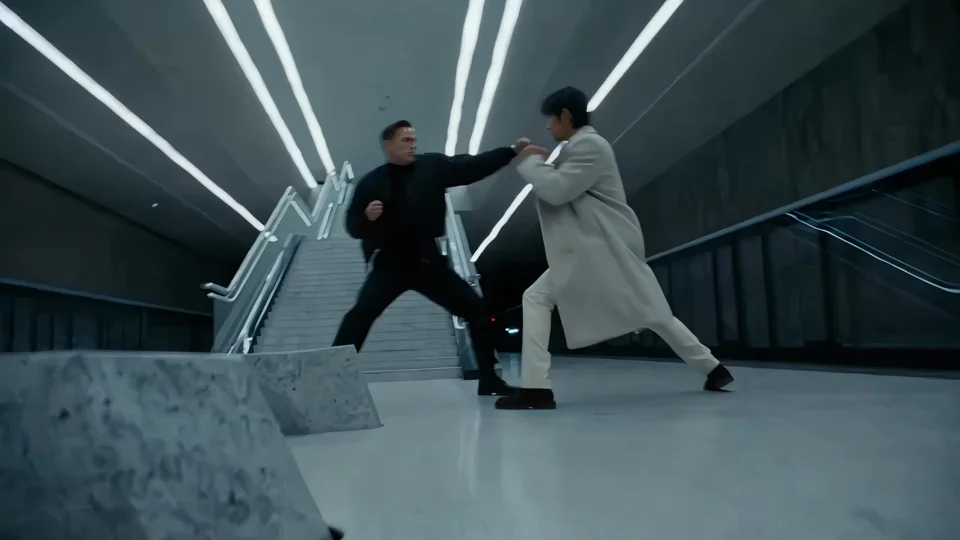
What it is
It lives in the same Kling Create family as Kling 3.0. The Try button passes this version so Create does not open the slower cinematic model by mistake. Credit cost is per second at the Turbo qualities. Audio is offered only when the audio flag is true. If the flag is false, Turbo clips are not described here as having generated sound.
Turbo is the Kling path for a prompt or a single start frame when you want the resolutions this model lists and a quicker turn. Keep the prompt to one action. Pick an aspect ratio from the text-to-video list when you know the clip is vertical, square, or wide. For image-to-video, the start frame carries the look, and an end frame exists only if the settings show that slot. Do not bring a motion reference here. That file belongs on Kling 3.0 Motion Control. Do not expect the cinematic model's quality names or its credit table. The rate beside each Turbo quality is the rate you pay per second. Check the audio line before you describe sound. If audio is not offered, leave it out of the prompt.
Best uses
Use Turbo for a quick Kling clip when you want the resolutions this model lists and you do not need the cinematic model's other quality names. Text-to-video covers a scene you can write. Image-to-video covers one start frame that should move. Switch to Kling 3.0 when you need a quality that only that model lists, or to Motion Control when you have a reference performance.
Settings and credit cost
Catalog starting price: from 22 credits / s.
Fast Kling 3.0 video at 720p or 1080p.
Text to video: durations 3, 4, 5, 6, 7, 8, 9, 10, 11, 12, 13, 14, 15 seconds; aspect ratios 16:9, 9:16, 1:1; qualities 720p, 1080p; default quality 720p; default duration 5 seconds.
Text to video credit cost: 22 credits per second at 720p; 28 credits per second at 1080p.
Text to video does not offer audio.
Text to video requires a prompt.
Image to video: durations 3, 4, 5, 6, 7, 8, 9, 10, 11, 12, 13, 14, 15 seconds; qualities 720p, 1080p; default quality 720p; default duration 5 seconds.
Image to video credit cost: 22 credits per second at 720p; 28 credits per second at 1080p.
Image to video does not offer audio.
Image to video requires a prompt.
Image to video image slots: Start frame (required).
Prompt tips
Keep the prompt to subject, action, and camera. Turbo is built for a fast generation, so a long style essay is less useful than a clear verb. For image-to-video, do not describe a second ending picture unless an end-frame slot exists. Aspect ratio applies to text-to-video when the catalog sends the list. Match vertical, square, or wide to where the clip will be watched. Do not add a soundtrack instruction when audio is not offered.
Limits
Turbo cannot use a motion reference video. It cannot silently upgrade to Kling 3.0 qualities. Durations are the second values in the settings, and the credit rate is the Turbo rate for the quality you pick, not the cinematic model's rate. A start frame is required for image-to-video when the slot says required. Durations, qualities, frame slots, and credit rates on this page are read from the current Vidaro Studio catalog. If a control is not listed in Settings and credit cost, it is not offered for this model.
FAQ
What is Kling 3.0 Turbo?
Kling 3.0 Turbo is Kling's faster video model on Vidaro Studio for text-to-video and image-to-video at the resolutions in the catalog.
Does Turbo support an end frame?
Only when image-to-video lists one. The slots on this page are the catalog slots.
Does Kling 3.0 Turbo include audio?
Only if the mode marks audio as supported. Otherwise the settings say audio is not offered.
How is Turbo priced?
Credits are per second and depend on quality. Use the Turbo rates in Settings and credit cost, not another Kling model's rates.
How do I try Kling 3.0 Turbo?
Use Try Kling 3.0 Turbo free. It opens the Kling Create page with Turbo selected.