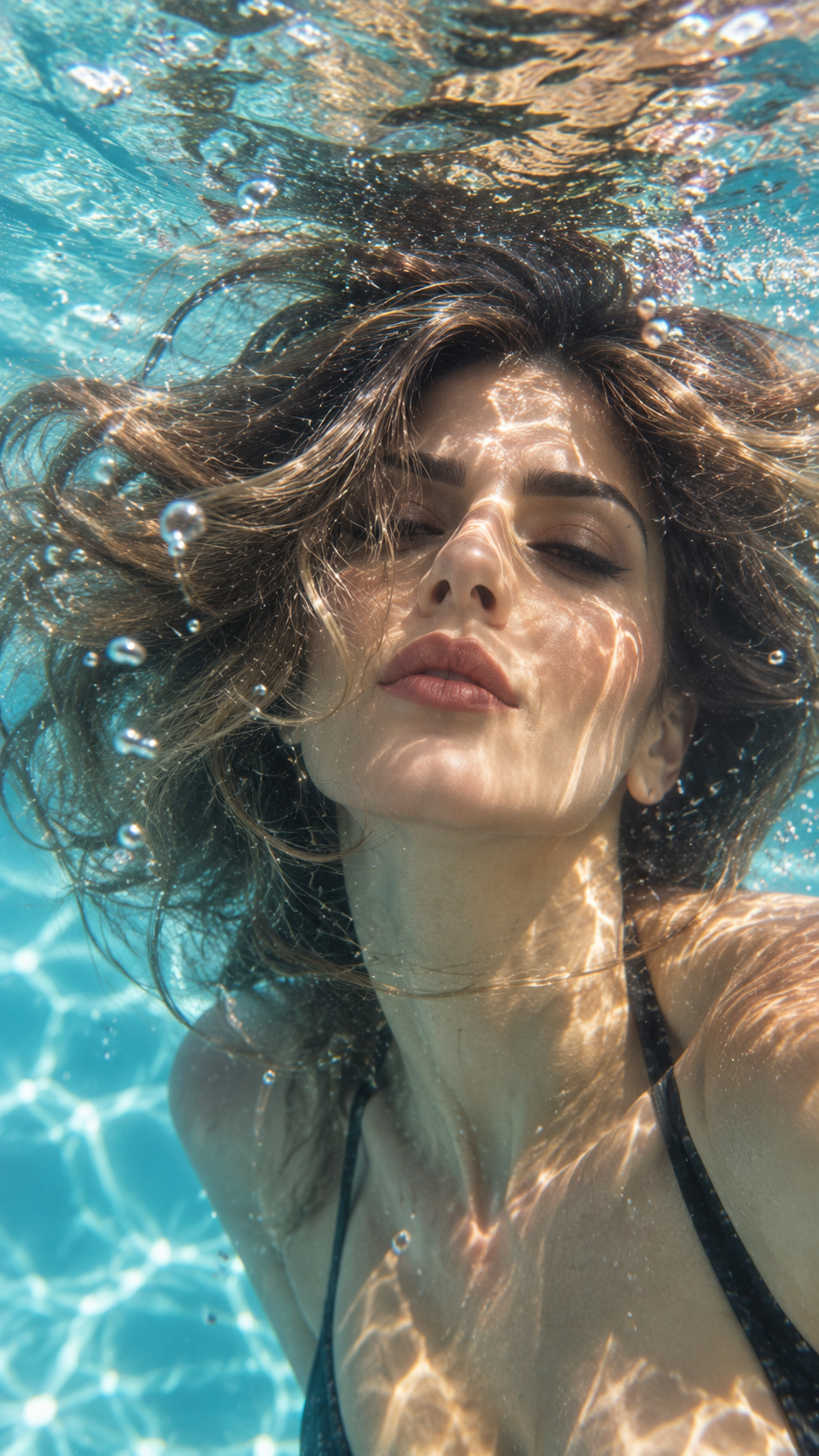
Underwater
A calm, dreamy underwater close-up right after jumping into the water.
Underwater restyles a portrait as a calm, dreamy close-up just after you have jumped into the water. The result is a still image: your face in that suspended, just-under-the-surface moment, not a scuba scene and not a clip of you swimming.
The template already chooses the underwater treatment. You do not describe the ocean, the pool, the color of the water, or how deep you are. Those are not controls on the form. The effect is a close portrait with that dreamy underwater light.
It is written for a close-up where the face is easy to see and the light on the face is decent. Sunglasses, a hat, or anything else that covers the face removes the features the portrait needs. A wide shot of a whole beach does not match the close-up this effect is built to make.
Because it is a restyle of your photo, the person in the water should be the person in the upload. It will not invent a second swimmer from a text note, and it will not turn the picture into a video of a dive.
It runs on Grok Image 2 and costs 12 credits at 1k for one image.
The mode is Image To Image. The frame is 3:4.
Add your photo. This template needs 1 photo. Close-up, face clearly visible
No. Underwater does not take a prompt. The calm, just-jumped-in close-up is the effect. You only supply the photo.
They work against the result. The template is a face close-up, and sunglasses or a hat covering the face hide the features it needs.
No. Underwater is an image effect. The result is a still close-up, not a swimming clip.
A calm, dreamy underwater close-up right after jumping into the water.
Add your photo
0/1Close-up, face clearly visible
Add at least 1 image