In the Crowd
Lead a synchronized dance crew anywhere. Add your photo and a location.
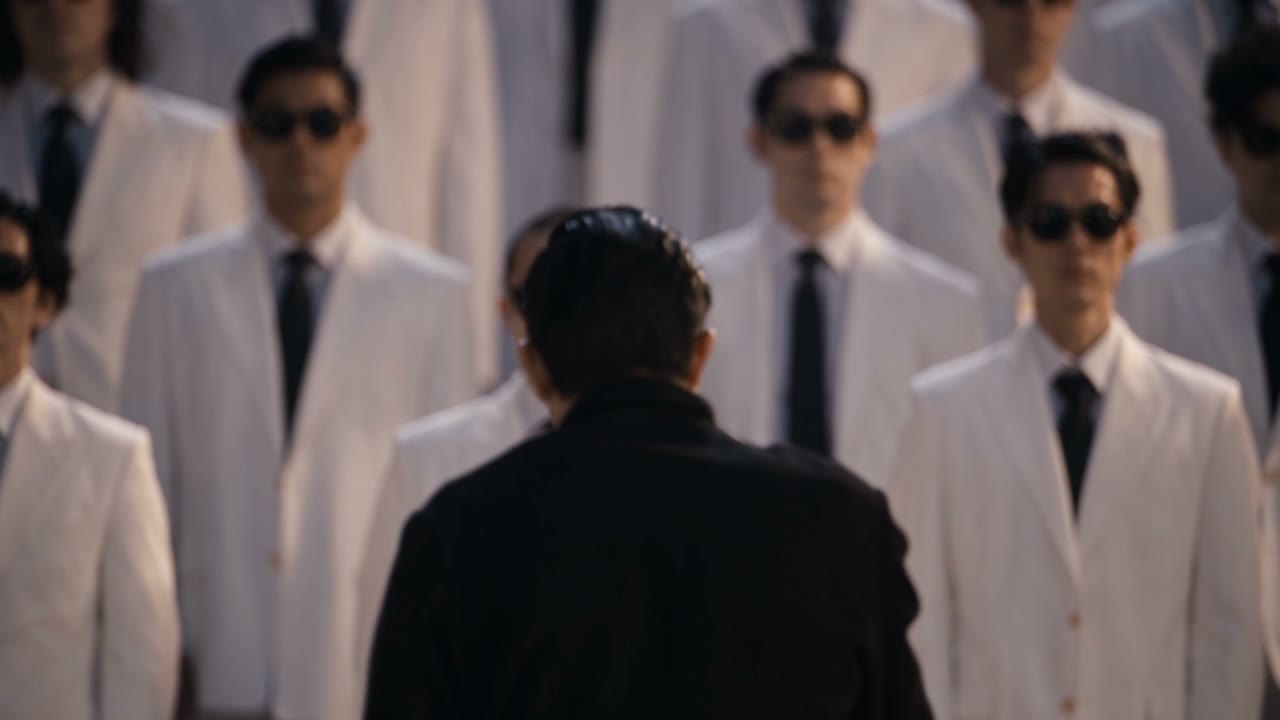
In the Crowd puts you at the front of a synchronized dance crew. You bring a photo of yourself and a picture of a place, and the effect leads that crew through the location in a video. The place in the clip comes from the location image, not from a name you type.
The two uploads have different jobs. Your photo is the person who leads the crew. The location image is the wide shot of where they dance. A location frame full of other people is a poor plate, because the template wants a place without a crowd already standing in it.
The dancing is the template's motion. You do not upload choreography, choose a track, or describe the steps. Changing the location image changes the setting. Changing your photo changes who leads. Those are the two controls.
Quality on the form is the resolution of that video. Higher quality costs more credits, and the form lists the cost next to each quality. It does not switch you to a different crew or a different dance.
It runs on Genjutsu. 480p is 1792 credits, 720p is 3808 credits, 1080p is 9128 credits. The form charges the quality you select, for one video.
The mode is Motion Transfer.
Uploads: 2 files.
Your photo (required). Front-facing, full or half body.
Location image (required). A wide shot of a place, no people.
Your photo is the person leading the crew, ideally front-facing and full-body or half-body. The location image is a wide shot of the place, without people already in it.
No. In the Crowd does not take a prompt. The setting comes from the location image you upload.
No. Quality changes the video resolution. The credit cost for each quality is shown on the form next to that option.
Lead a synchronized dance crew anywhere. Add your photo and a location.
Uploads
Image one
Image two
Quality