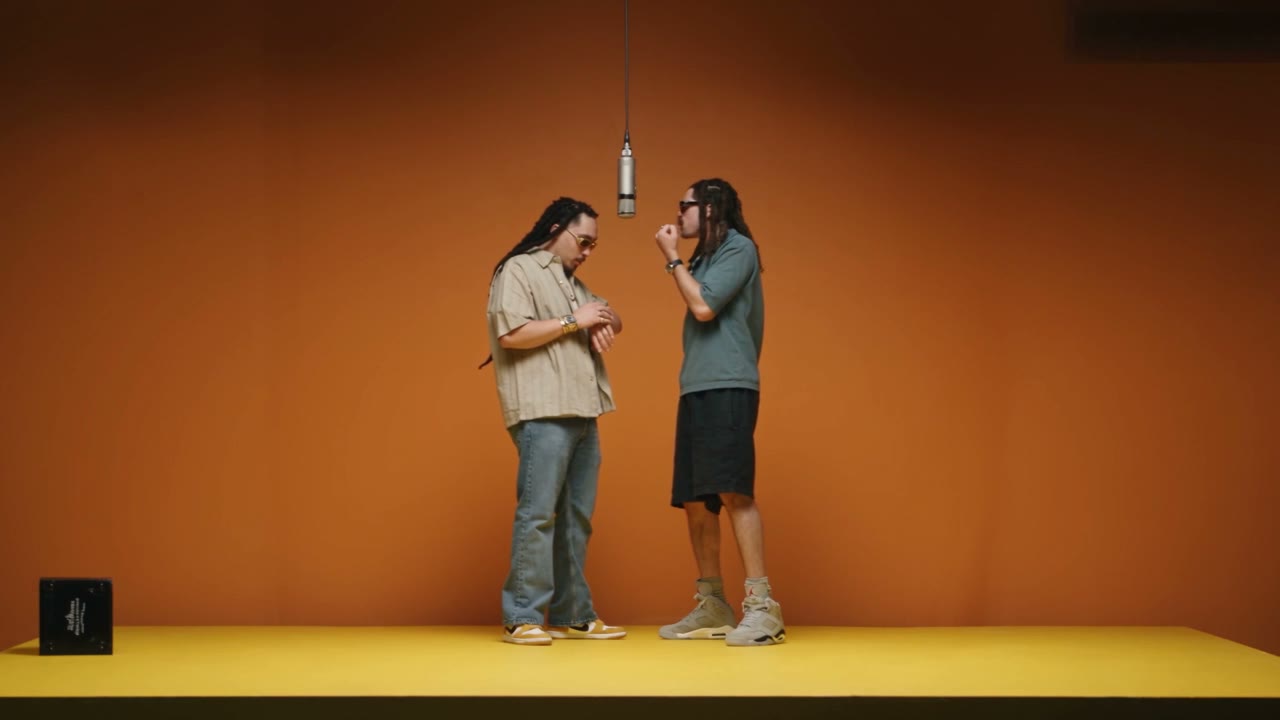
Duo Swap places two people into a dance video. You add two photos, one person in each photo, and the effect carries those people with the motion of the dance. It is a video template, so the result is a clip rather than a still frame.
The dance itself is part of the template. You do not upload a reference dance, pick a song, or describe choreography. Motion comes from the effect. Your photos decide who the two dancers are.
Each photo should show one person, with the face easy to see. Putting both people in a single photo, or hiding a face behind hair, a mask, or a turn away from the camera, gives the swap less of a likeness to keep. Front-facing photos keep the faces most accurate.
Quality on the form changes how large the video is, and each quality has its own credit cost, shown next to that option. You are not choosing a different dance when you change quality. You are choosing the resolution of the same effect.
It runs on Genjutsu. 480p is 1600 credits, 720p is 3400 credits, 1080p is 8150 credits. The form charges the quality you select, for one video.
The mode is Motion Transfer.
Add 2 photos, one per person. This template needs 2 photos. One person per photo, face clearly visible
Can both people be in one photo?
No. Add two photos, one person in each. The template is built for one face per photo, with each face clearly visible.
Can I choose the dance or the song?
No. Duo Swap does not take a prompt, a music track, or a dance video from you. The motion is part of the template.
What does a higher quality change?
It changes the video quality, not the dance. Each quality on the form has its own credit cost, shown beside that option.