80's Style
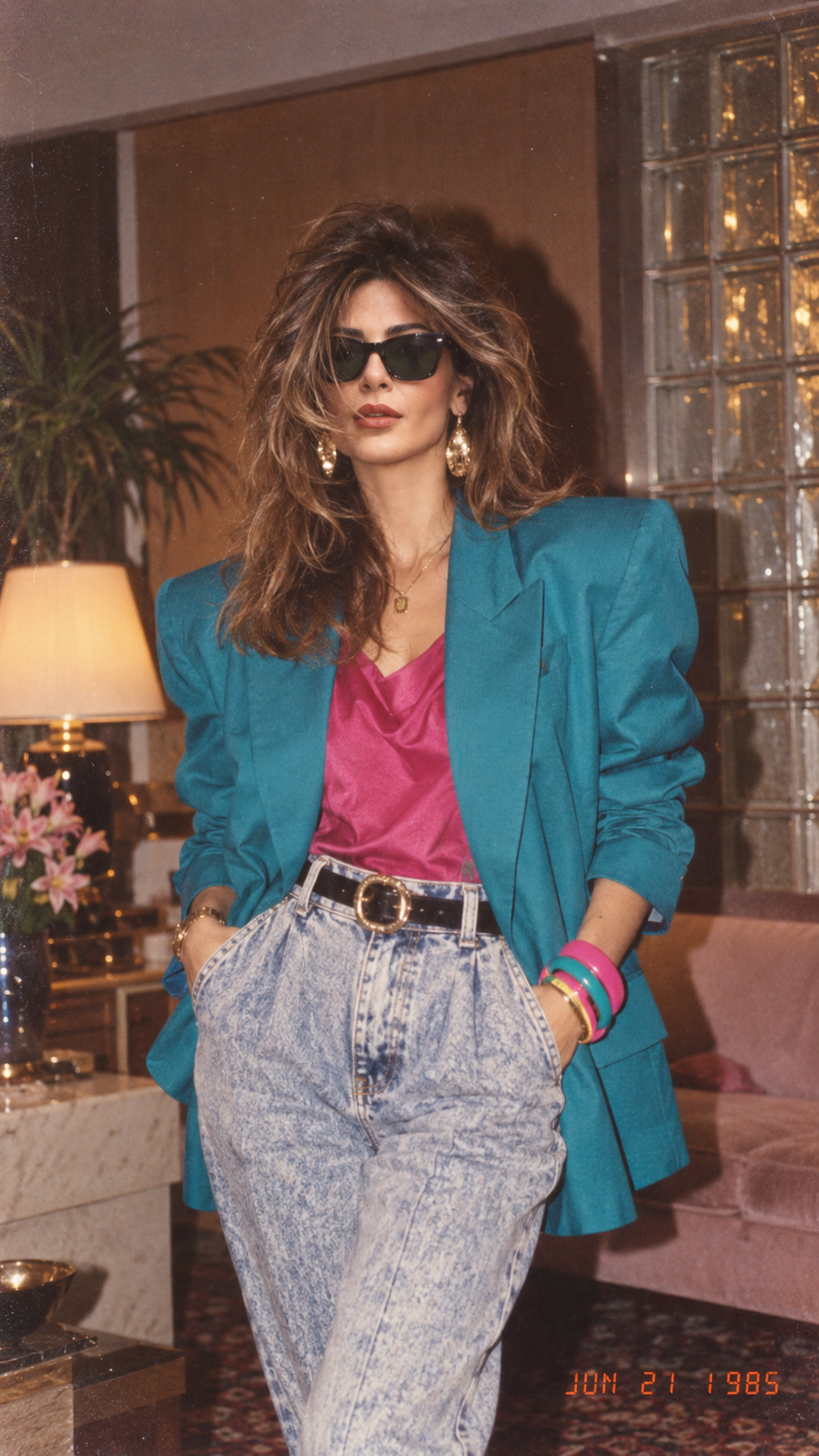
See yourself in an authentic mid-1980s photograph—period style, analog grain, and a vintage date stamp.
80's Style turns a photo of you into a picture that looks like it was taken in the middle of the 1980s. The result keeps the people in your photo and restyles the shot as a period photograph: the color, the grain, and a vintage date stamp belong to that era rather than to a modern phone camera.
It is an image effect, not a video and not a blank-prompt generator. You do not write a scene. The template already decides the mid-1980s treatment, including analog grain and the stamped date. Your job is to supply a photograph the effect can restyle.
The look is meant to feel like a real snapshot from that decade, not a costume illustration. Clothing and the room can shift toward the period, but the point of the template is the photograph itself: faded color, grain, and a date burned into the frame the way drugstore prints used to look.
Because the date stamp and the grain are part of the effect, two runs of the same photo will not be pixel-identical. The era stays the same. Small details in the background and the exact stamp can vary, which is normal for this template.
It runs on Grok Image 2 and costs 12 credits at 1k for one image.
The mode is Image To Image. The frame is 1:1.
Add your photo. This template needs 1 photo. A clear photo of your face
No. 80's Style is an image effect with a fixed treatment. You upload a photo. You do not write a prompt for the grain, the colors, or the date stamp.
Yes. The template works with one or more people in the same photo. Each face should be clearly visible and not too small in the frame.
No. The vintage date stamp is part of the effect. You cannot type the date. The stamp is there to make the picture look like a period print.
See yourself in an authentic mid-1980s photograph—period style, analog grain, and a vintage date stamp.
Add your photo
0/1A clear photo of your face
Add at least 1 image