
Create images and videos inside Claude, ChatGPT and Grok
Connect Vidaro to your assistant, ask for an image or a video in plain words, and get the result right in the chat.
30free credits when you sign up
+100more when you connect your assistant (one time)
Both free credit grants need a verified email address.
How it works
Connect your assistant
Install Vidaro Studio from ChatGPT's plugin directory, or add it as a connector in Claude or Grok, and sign in with your Vidaro account.
Describe what you want
Ask for an image or a video in plain words. The assistant tells you the model and the price before it starts.
Get the result in the chat
The finished image or video shows up right in the conversation.
Works with
- Claude
- ChatGPT
- Grok
- Claude Code
Examples
What each model makes. Ask your assistant for any of them, or open the model on the web.
Seedance 2.5Unlocks after first purchaseSee Seedance 2.5 Kling 3.0See Kling 3.0 GenjutsuSee Genjutsu Genjutsu LightSee Genjutsu Light MiniMax H3See MiniMax H3 LTX-2.5 FastSee LTX-2.5 Fast Kling 4.0Unlocks after first purchaseSee Kling 4.0 Hailuo 2.3See Hailuo 2.3
Models
Every live model, in your assistant or on the web. Pay only for what you create.
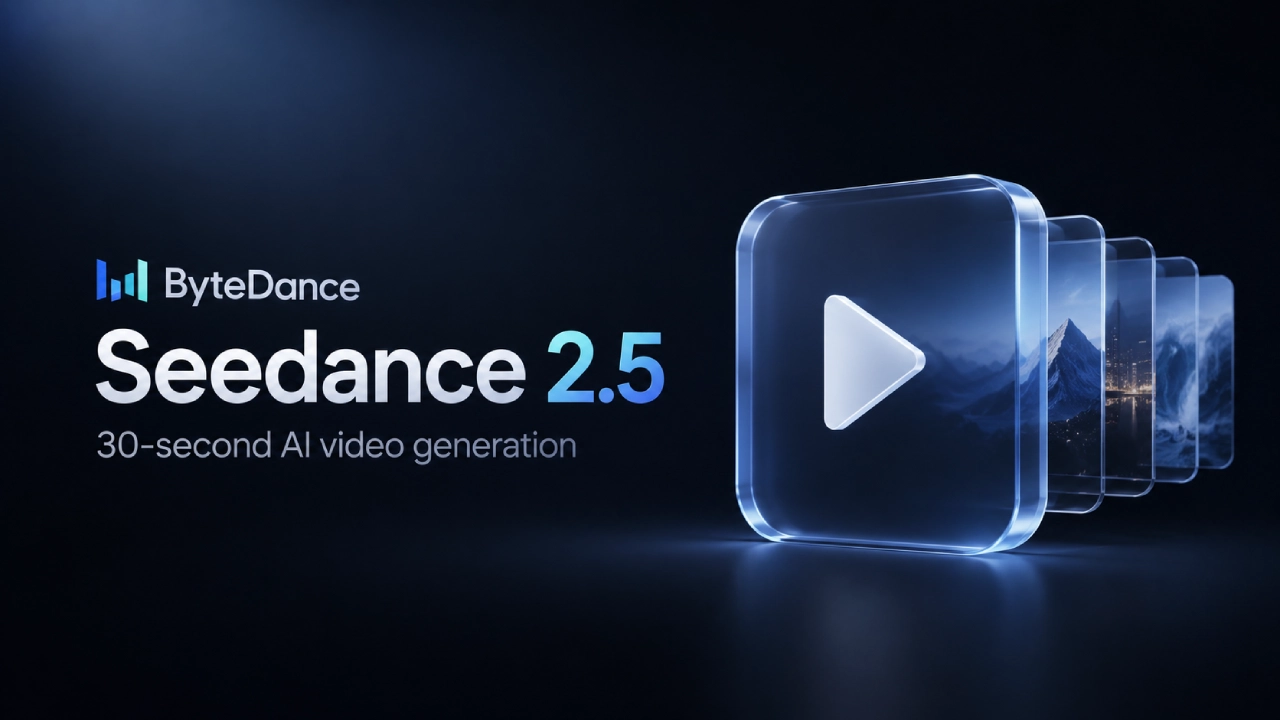
Seedance 2.5
ByteDance
Unlocks after first purchaseCinematic clips from a prompt or a still, with optional sound.
from 43 credits / s

Kling 3.0
Kling
Cinematic video in Standard, Pro or 4K, with native sound.
from 25 credits / s
Kling 3.0 Motion Control
Kling
Animate a still with the movement from a reference video.
from 25 credits / source second
Kling 3.0 Turbo
Kling
Fast Kling 3.0 video at 720p or 1080p.
from 22 credits / s

Genjutsu
Higgsfield
Put yourself into a video. Transfer the motion, swap an object, or restyle the shot.
from 64 credits / source second
Genjutsu Light
Higgsfield
A faster, cheaper Genjutsu: transfer motion or swap objects in the first 15 seconds of your video.
from 15 credits / source second

MiniMax H3
MiniMax
Detailed video from a prompt or a still, with sound.
from 26 credits / s
LTX-2.5 Fast
Lightricks
Fast, affordable video up to 4K with camera moves and audio.
from 18 credits / s
Kling 4.0
Kling
Unlocks after first purchaseUp to 30s, 1080p.
from 31 credits / s (18 credits / s when editing a video or with a reference video)
LTX-2.5 Pro
Lightricks
Higher quality LTX video with camera moves and audio.
from 24 credits / s
Hailuo 2.3
MiniMax
Affordable, fast video from text or a start frame.
from 12 credits / s
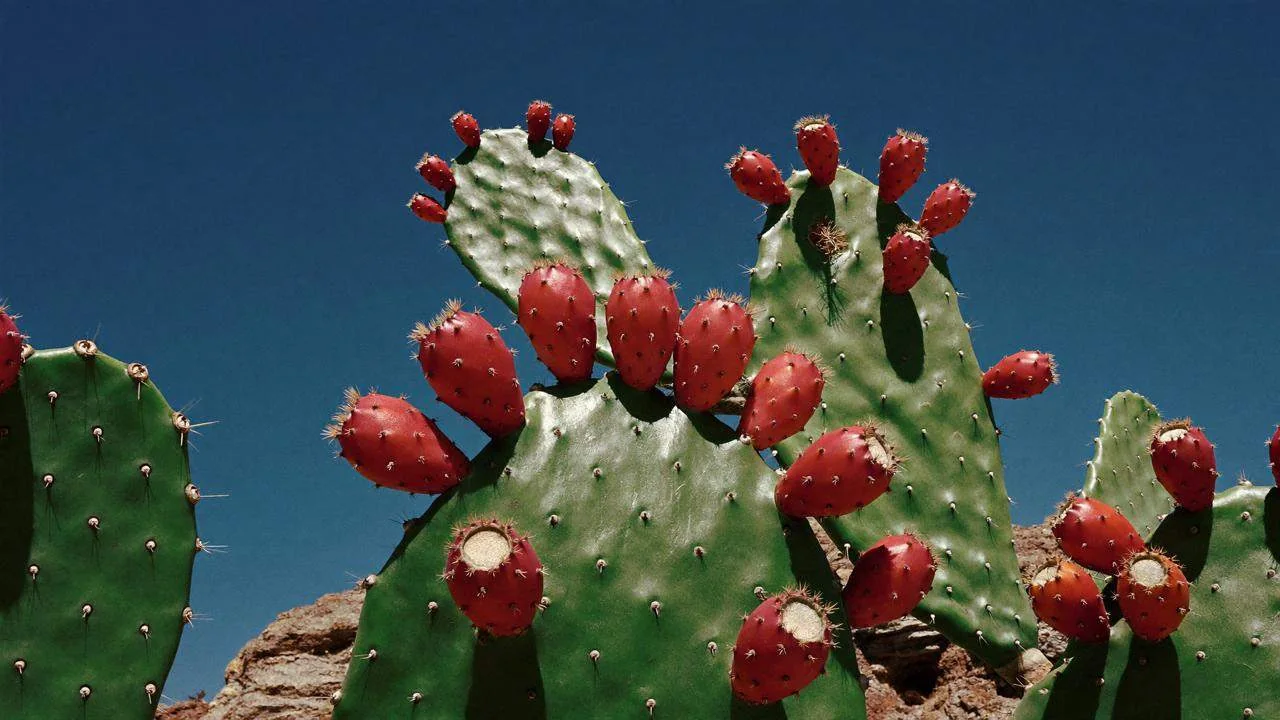
Grok Image 2.0
xAI
Expressive image generation and editing with up to 10 references.
from 8 credits / image
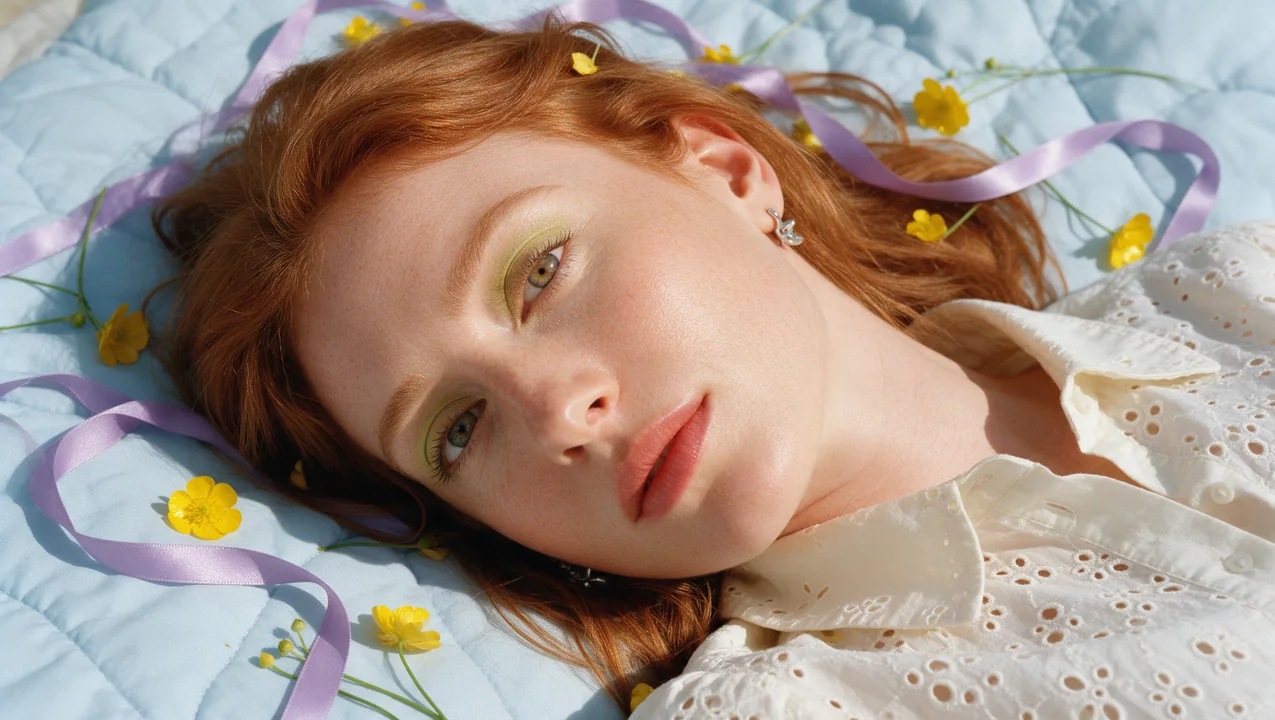
Qwen Image 3
Alibaba
Precise text rendering and detailed images, with reasoning-based quality boost.
from 8 credits / image

Soul 2.0
Higgsfield
Realistic portraits, fashion and editorial images with SOUL styles.
from 3 credits / image
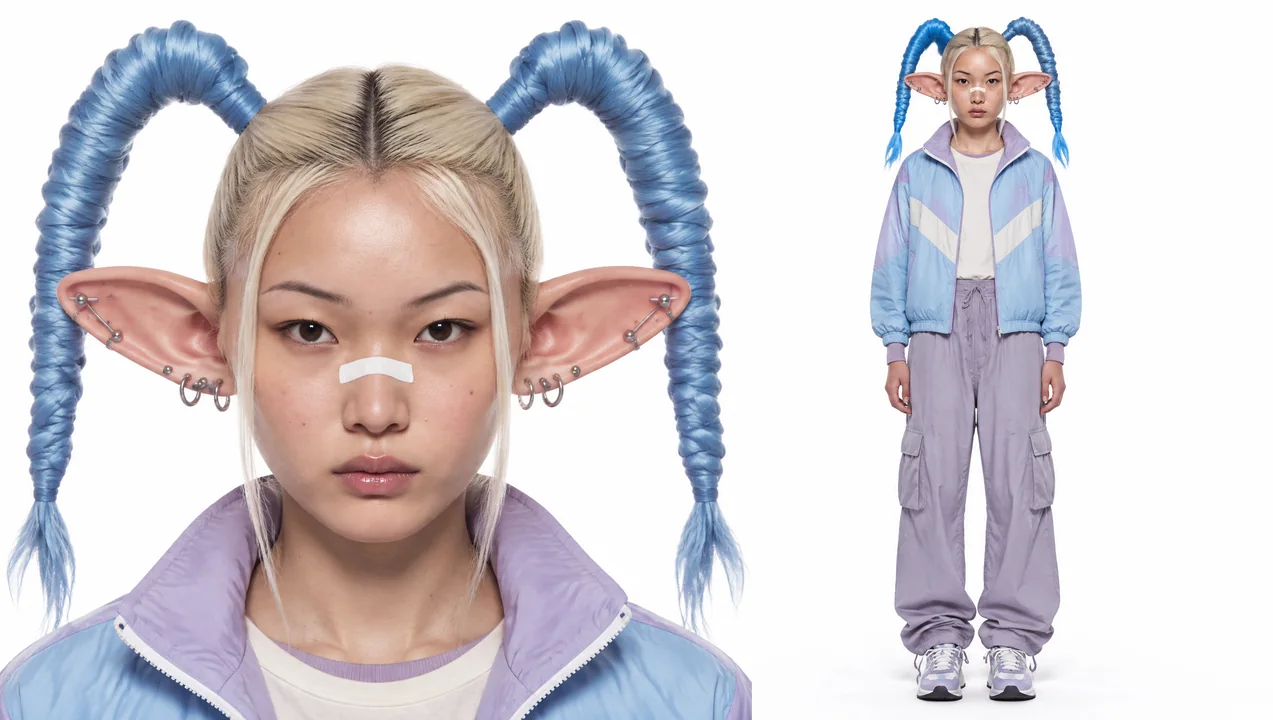
AI Influencer
Higgsfield
Create a consistent character and a reference sheet you can reuse.
from 10 credits / sheet
Pricing
30 free credits to start · $10 = 1,000 credits · credits never expire
Questions
What is MCP?
MCP (Model Context Protocol) is an open standard that lets AI assistants use outside tools. The Vidaro connector adds Vidaro's image and video tools to your assistant, so you can ask for an image or a video in the chat and get the result there.
Which assistants work?
Claude, ChatGPT, Grok and Claude Code. The connect page shows the setup steps for each one. You can also create on the website without an assistant.
How do credits work?
Each generation costs credits, and the price depends on the model and its settings. Credits roll over and never expire. If a generation fails, its credits are refunded. You get 30 free credits when you sign up (after your email address is verified) and 100 more when you connect your assistant for the first time.
Is it safe?
The assistant always tells you the model and the price before it generates. It never spends your credits without telling you the price first.